DCS/HMI emulation for a Plant-Specific Engineering or Training Simulator can be deployed in 3 ways, Automatic Translation, Manual Replication, or Virtual System.
All DCS/HMI files from the actual plant are passed to an application which automatically builds an emulation inside SimuPACT, including automated setup of control and visual blocks’ layout, faceplates, I/O signals and control signals for integration with a SimuPACT or 3rd party Process Model.
This way is quick and efficient, and accommodates easy updating of a Simulator in case the plant DCS/HMI changes.
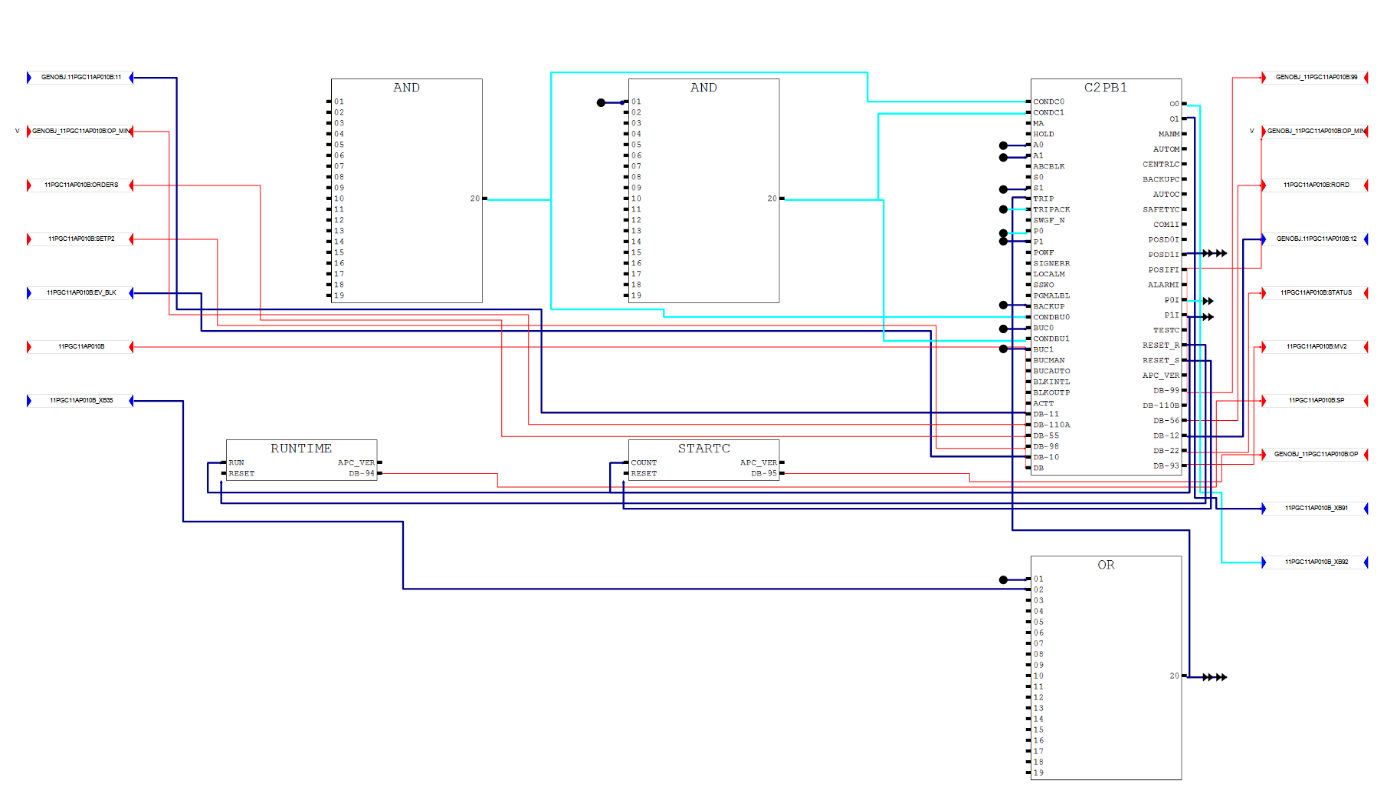
ABB AC450 logic screenshot from SimGenics.
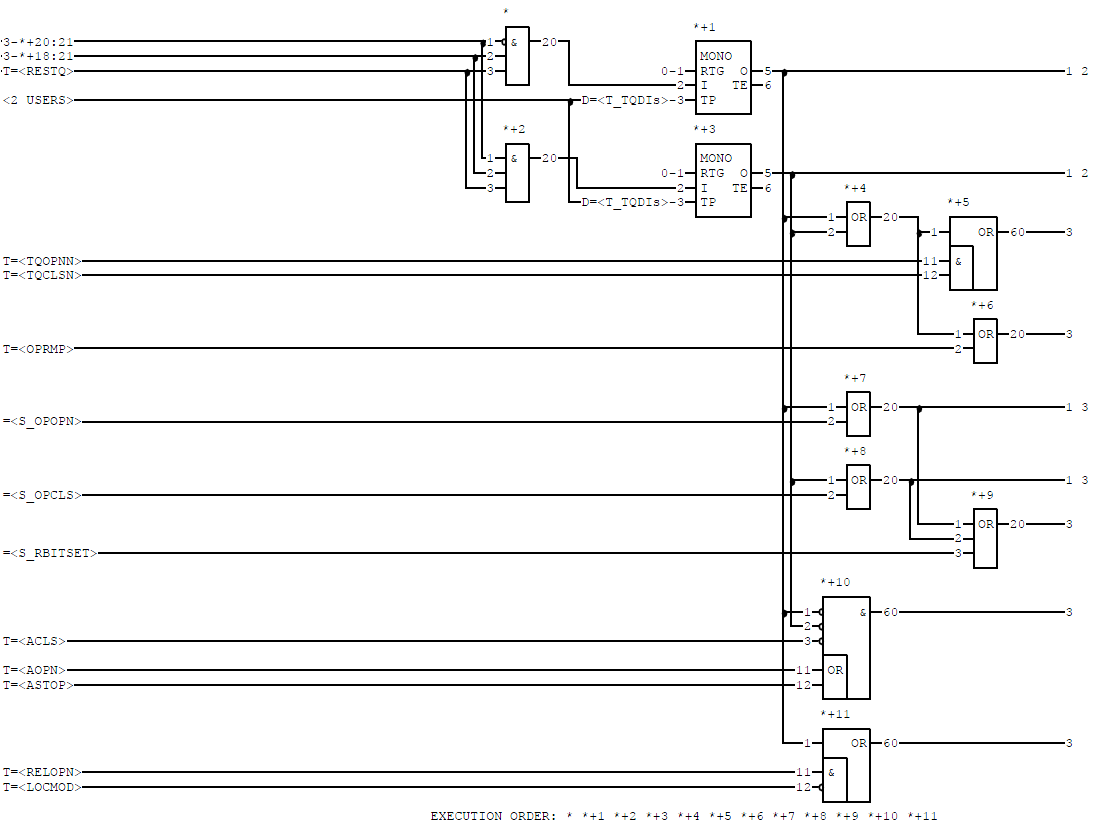
ABB AC450 logic screenshot from Actual Plant.
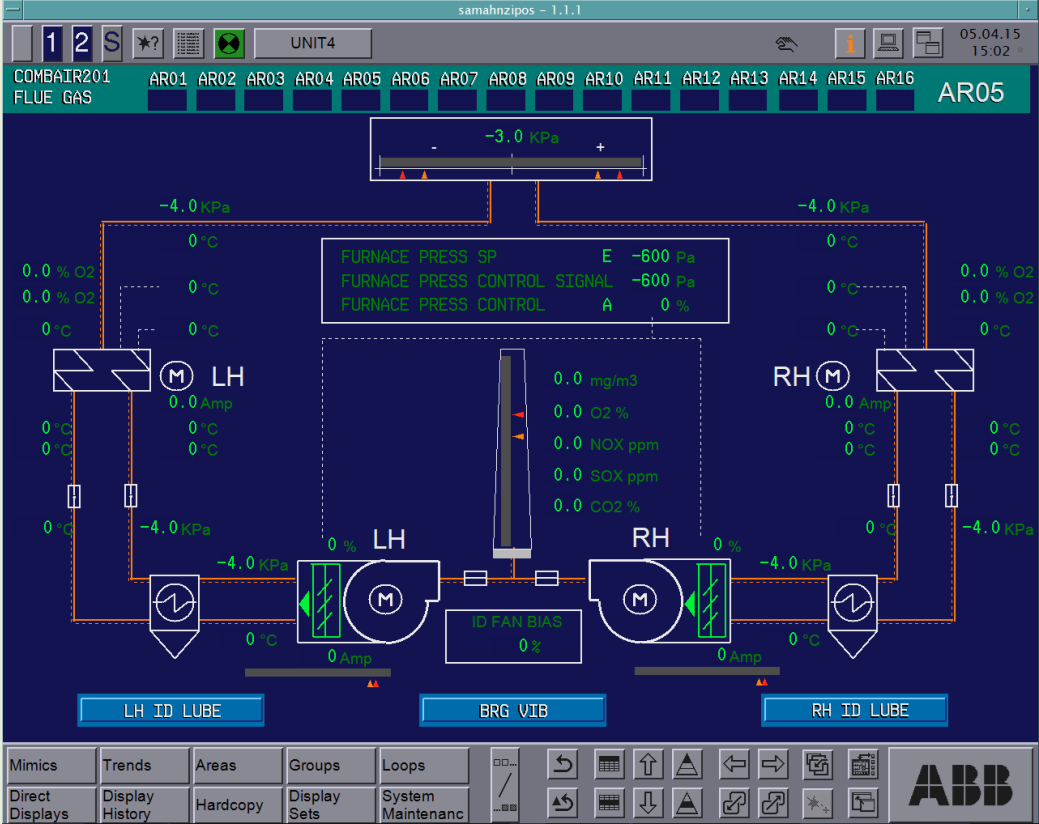
ABB POS 30 HMI screenshot from SimGenics.
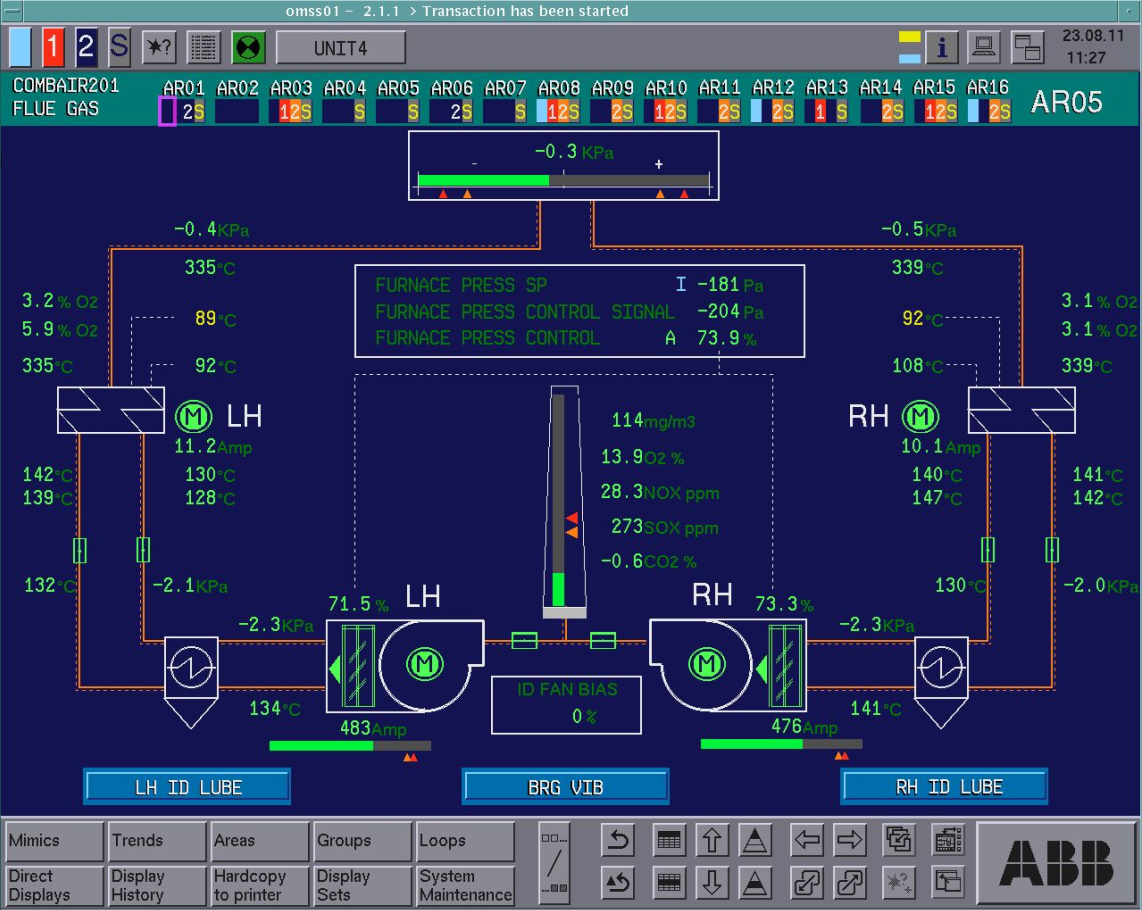
ABB POS 30 HMI screenshot from Actual Plant.
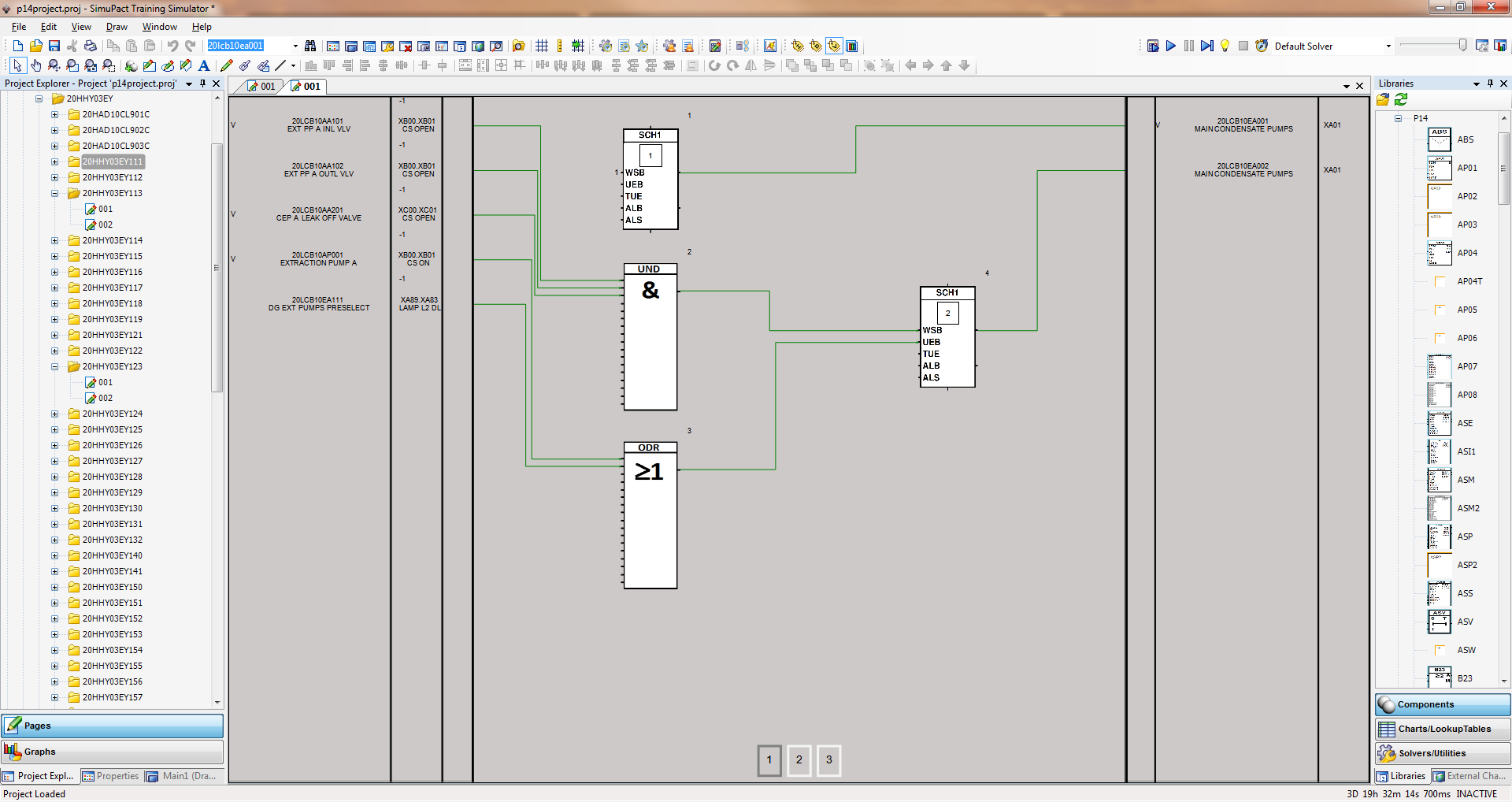
ABB Procontrol P14 logic screenshot from SimGenics.
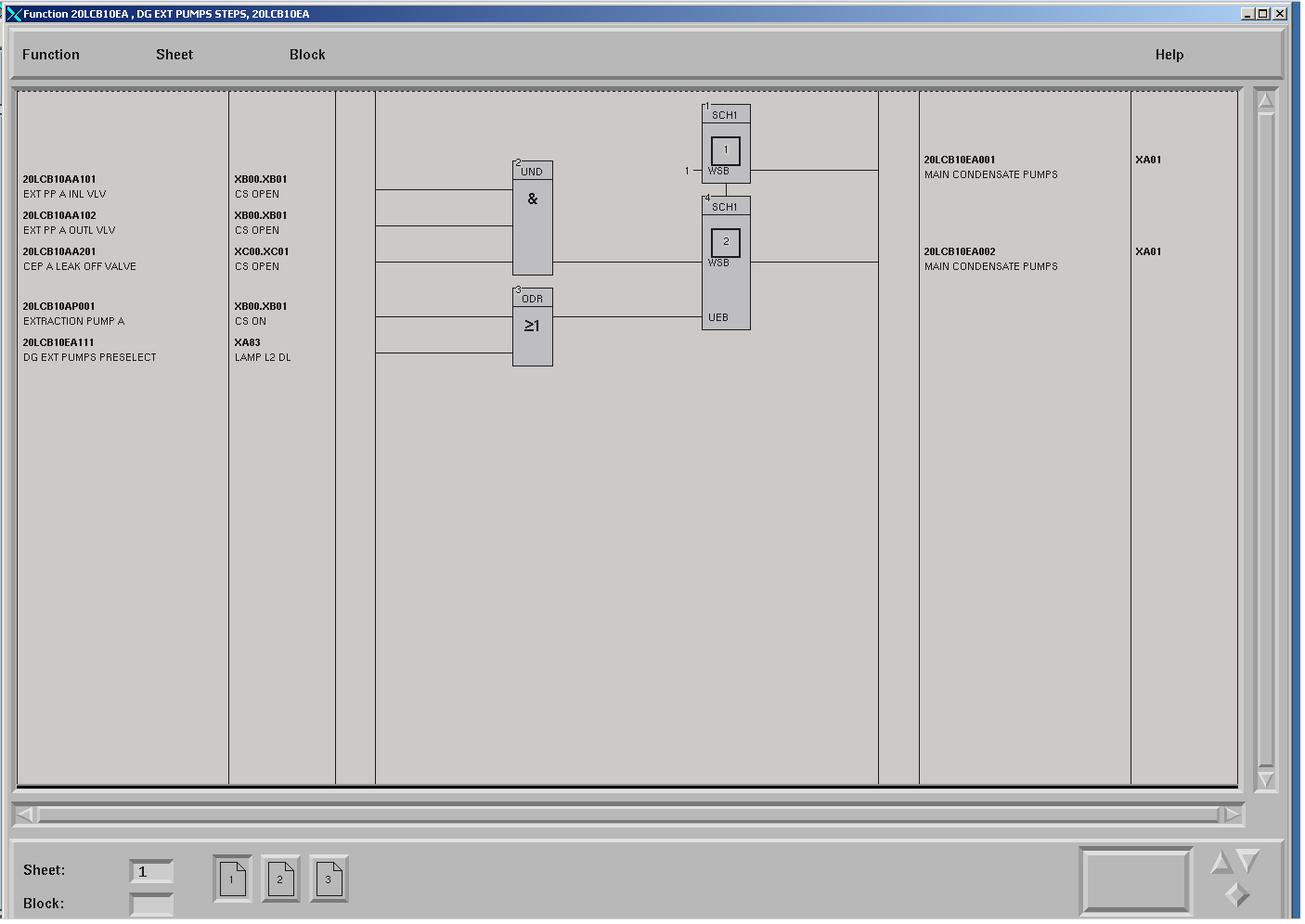
ABB Procontrol P14 logic screenshot from Actual Plant.
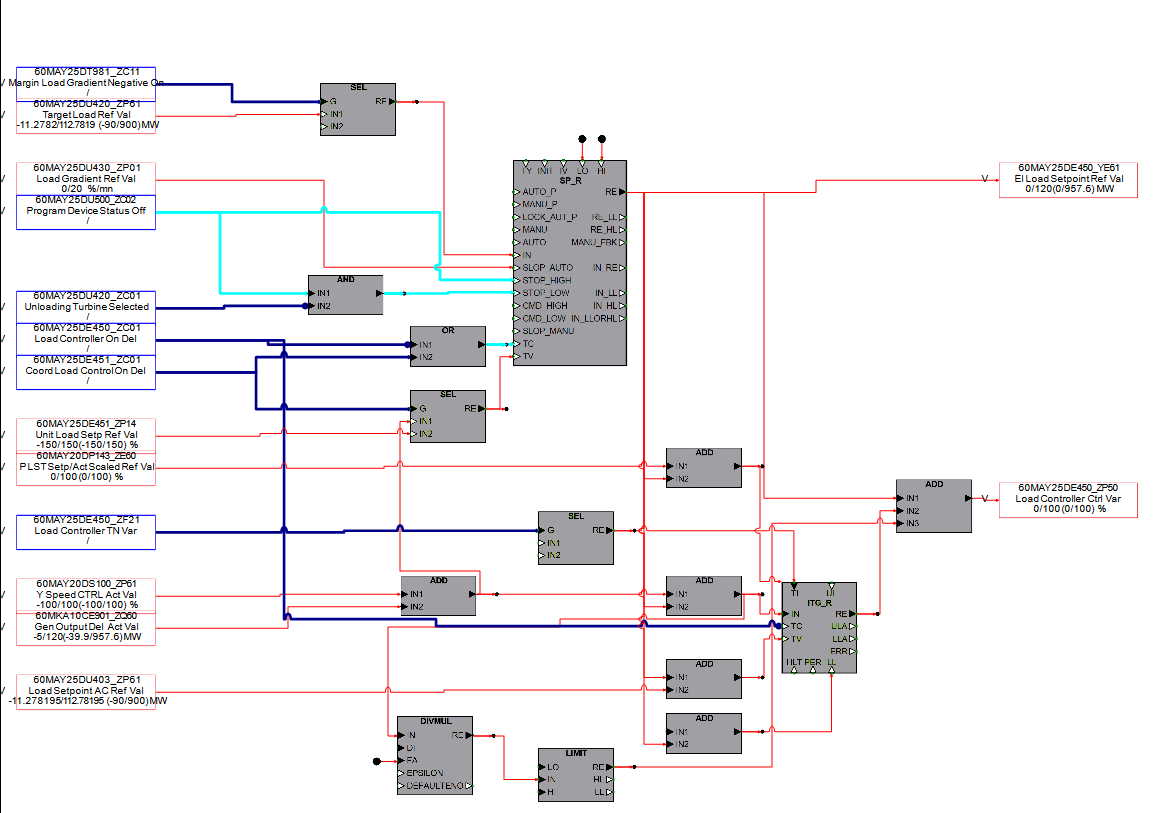
Automatically Translated ALSPA P320 Logic Emulation Running on SimuPACT
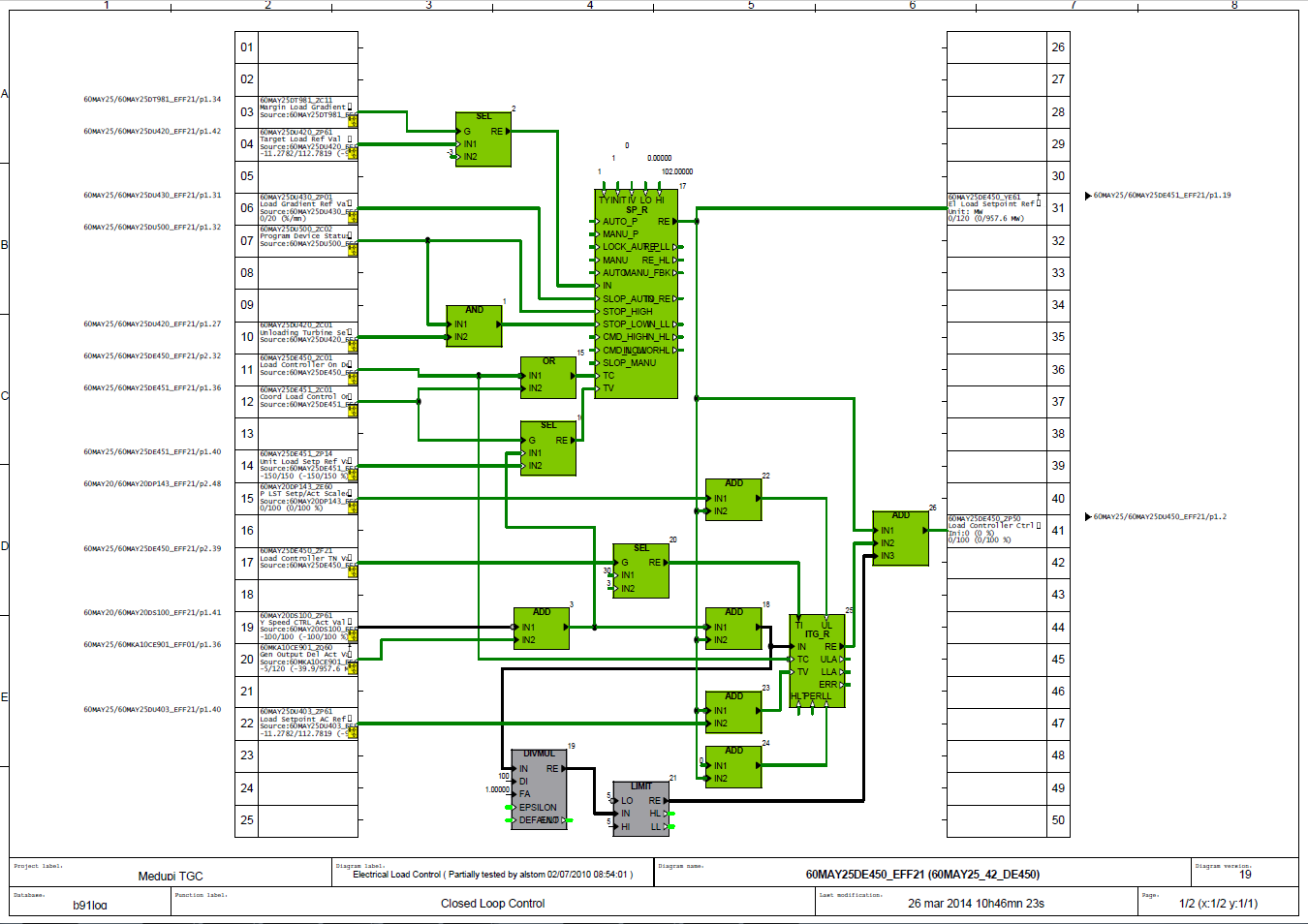
ALSPA P320 Logic on Actual Plant’s Engineering Station.
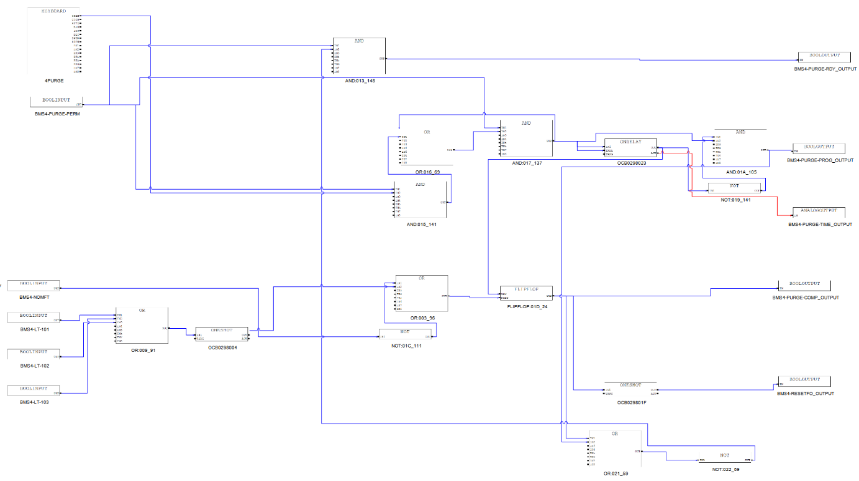
Automatically Translated Emerson OvationTM Logic Emulation Running on SimuPACT
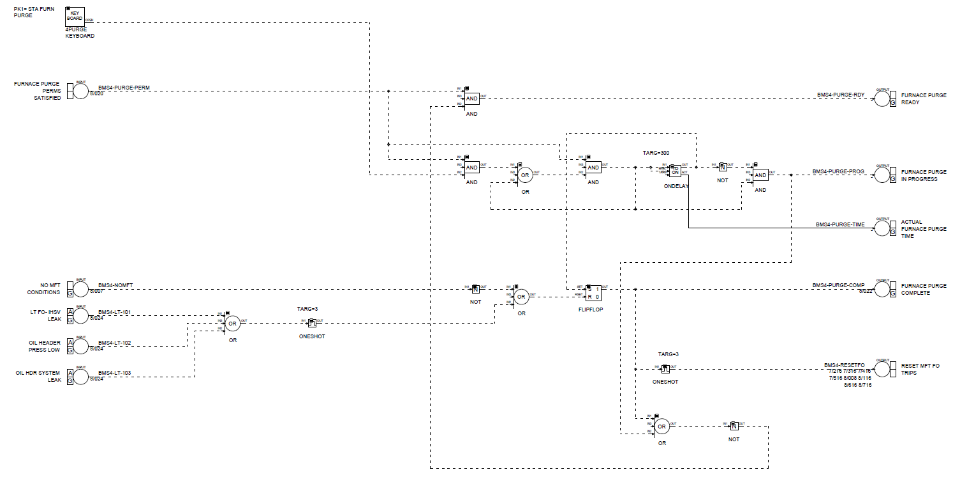
Emerson OvationTM Logic on Actual Plant’s Engineering Station
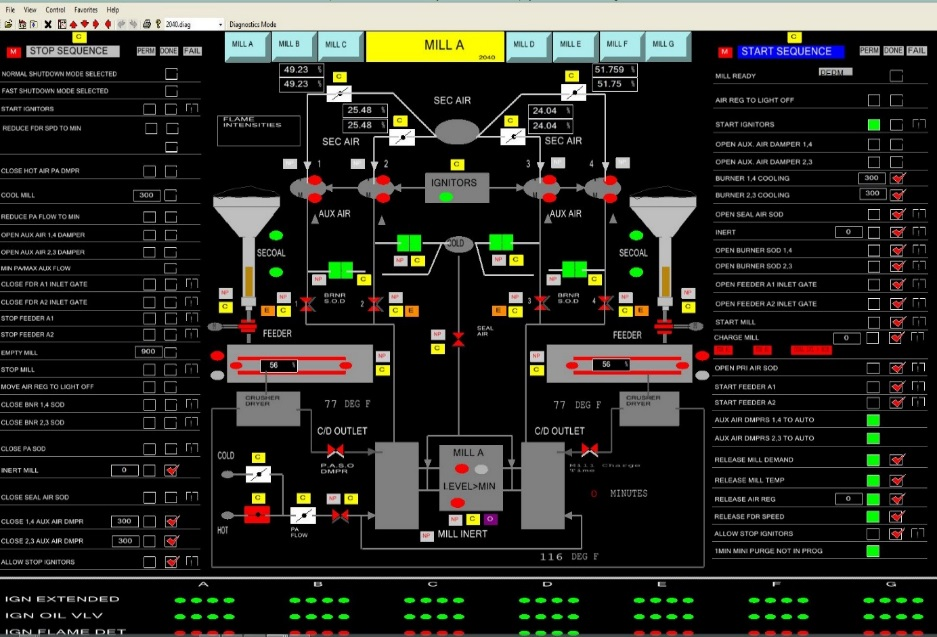
Automatically Translated Emerson OvationTM HMI Running on SimuPACT
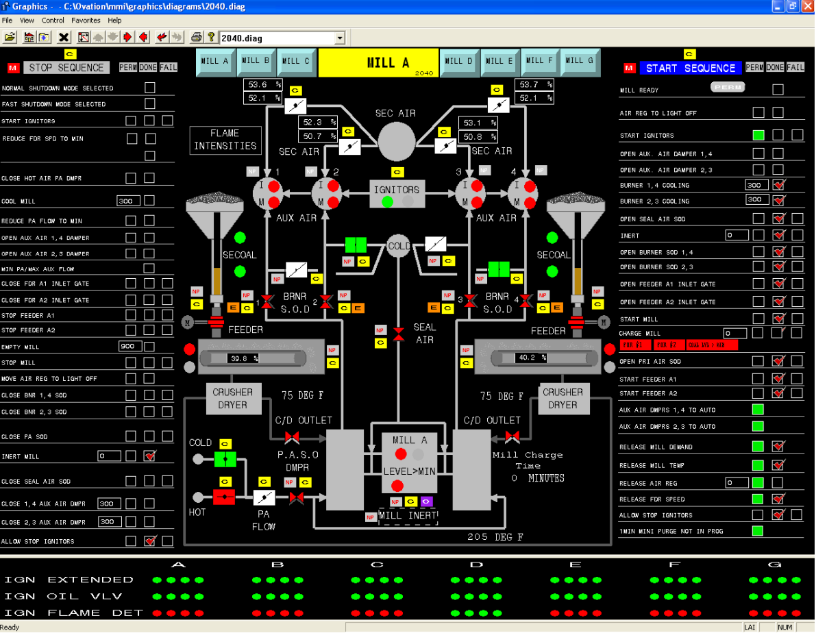
Emerson OvationTM HMI from Actual Plant
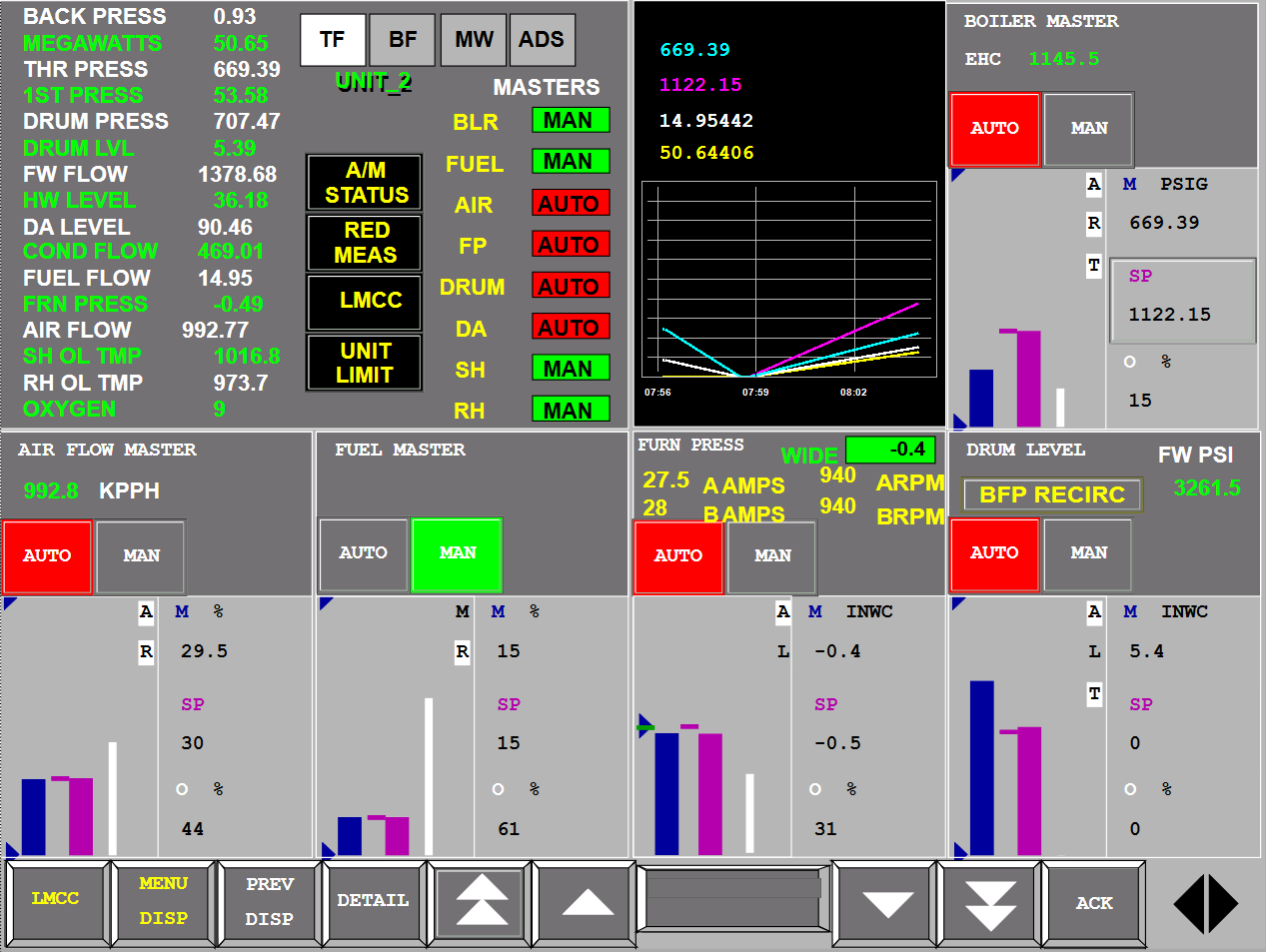
Foxboro I/A HMI screenshot from SimGenics.
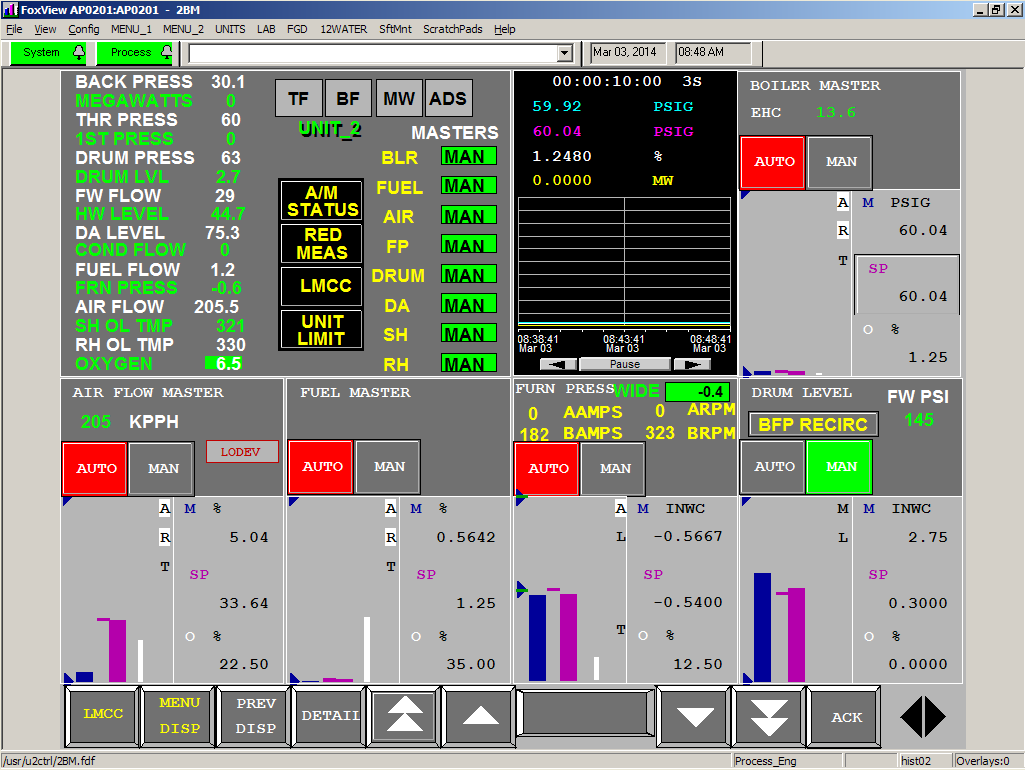
Foxboro I/A HMI screenshot from Actual Plant.
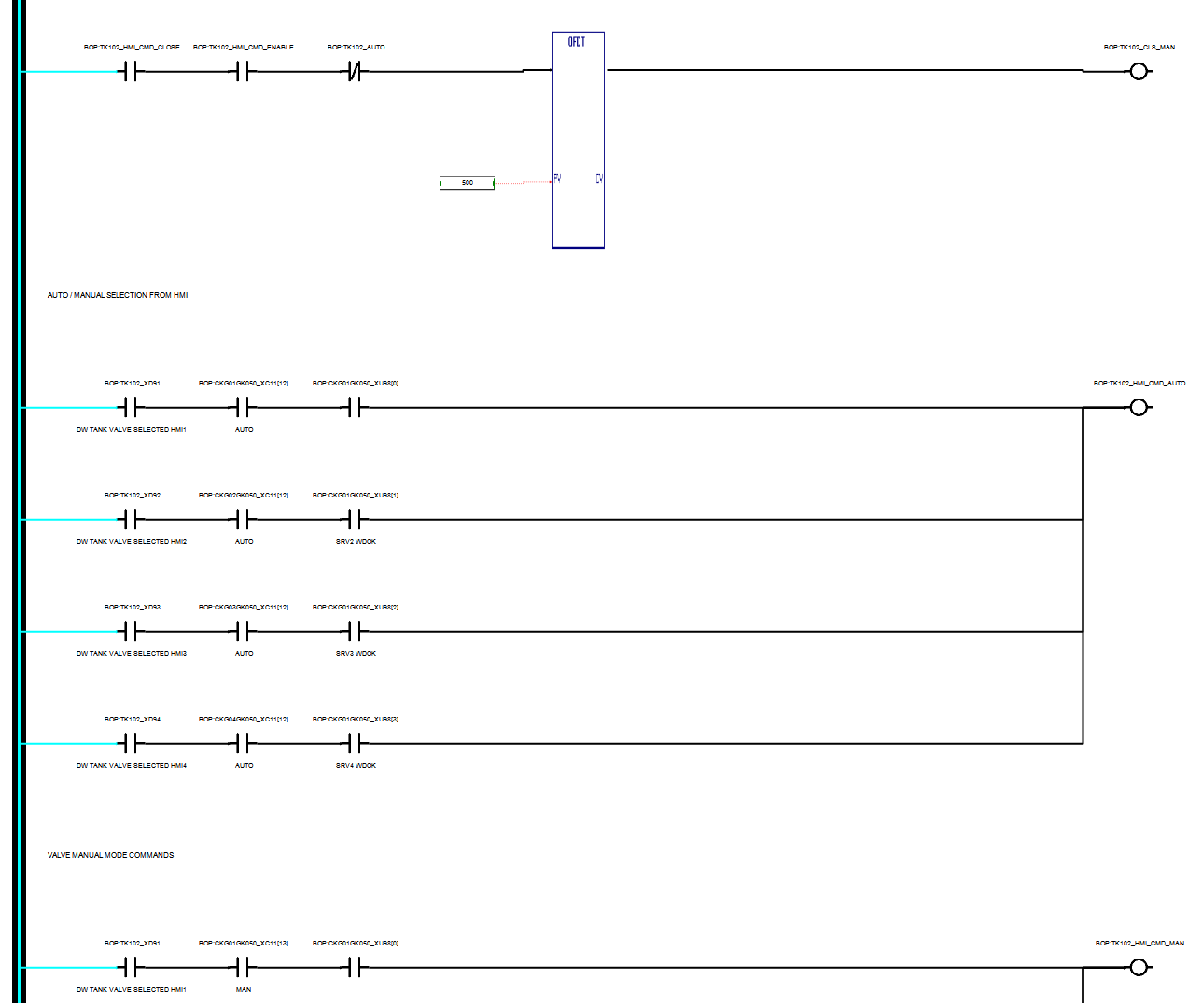
GE Ladder logic screenshot from SimGenics.
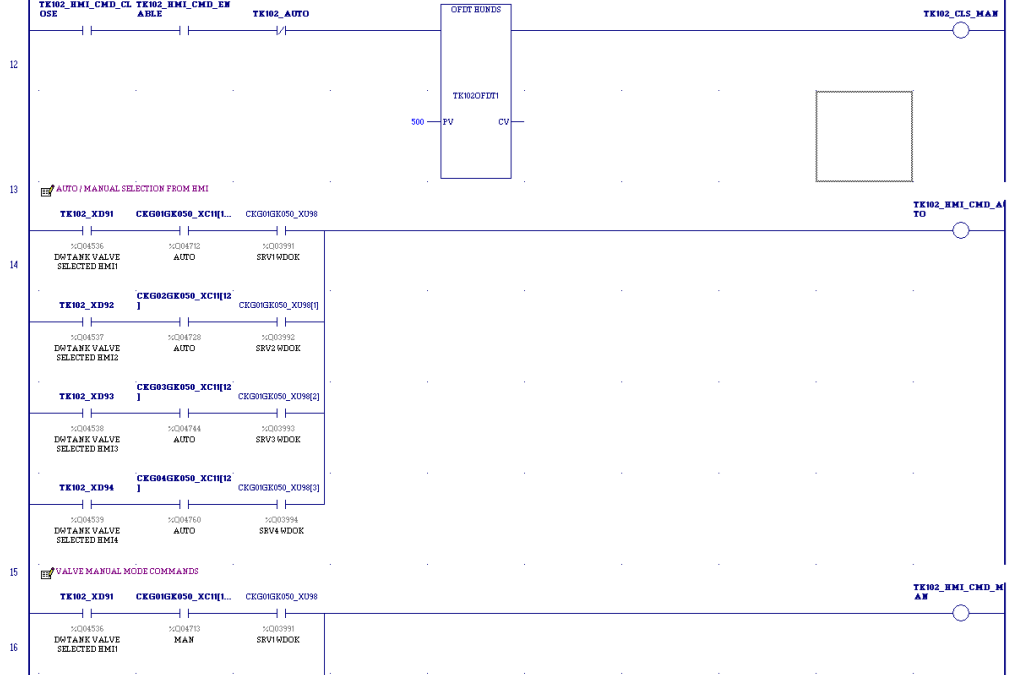
GE Ladder logic screenshot from Actual Plant.
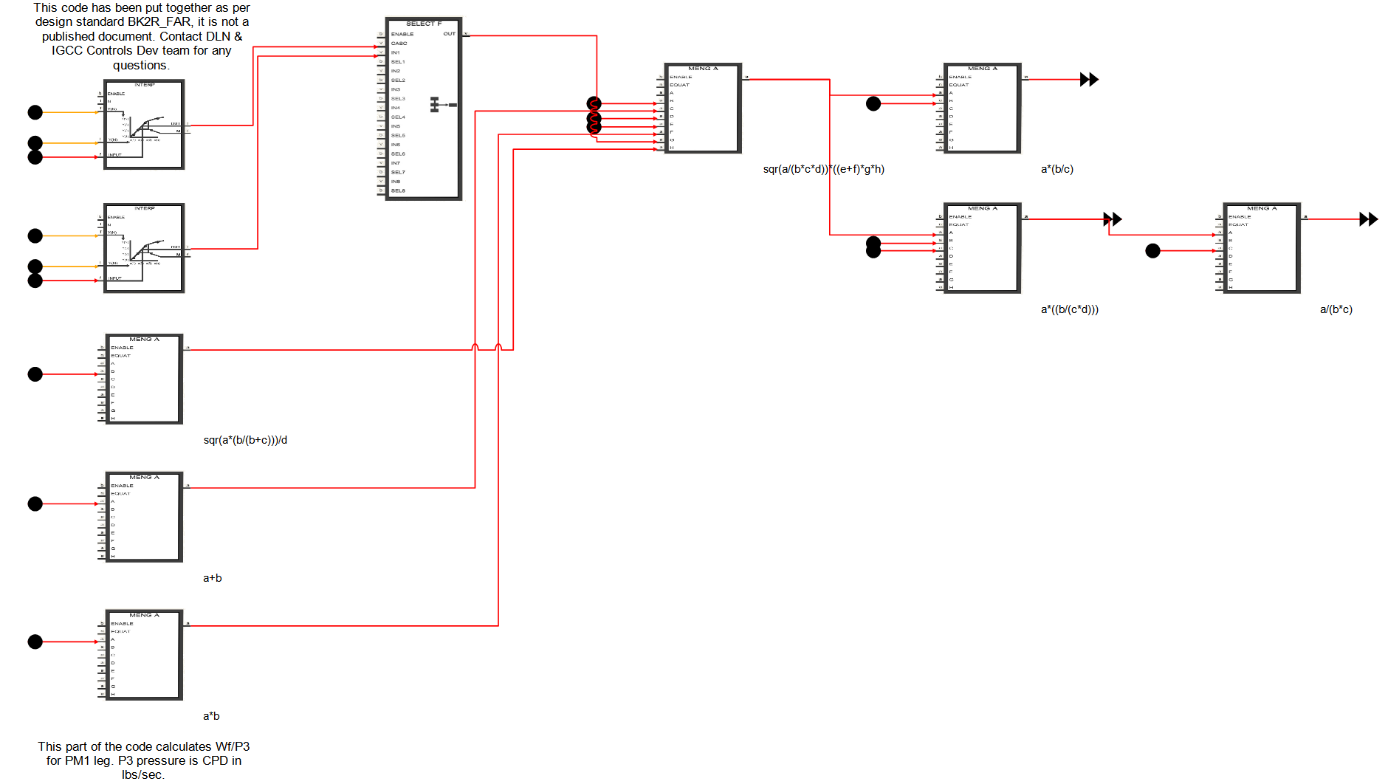
GE Mark VI logic screenshot from SimGenics.
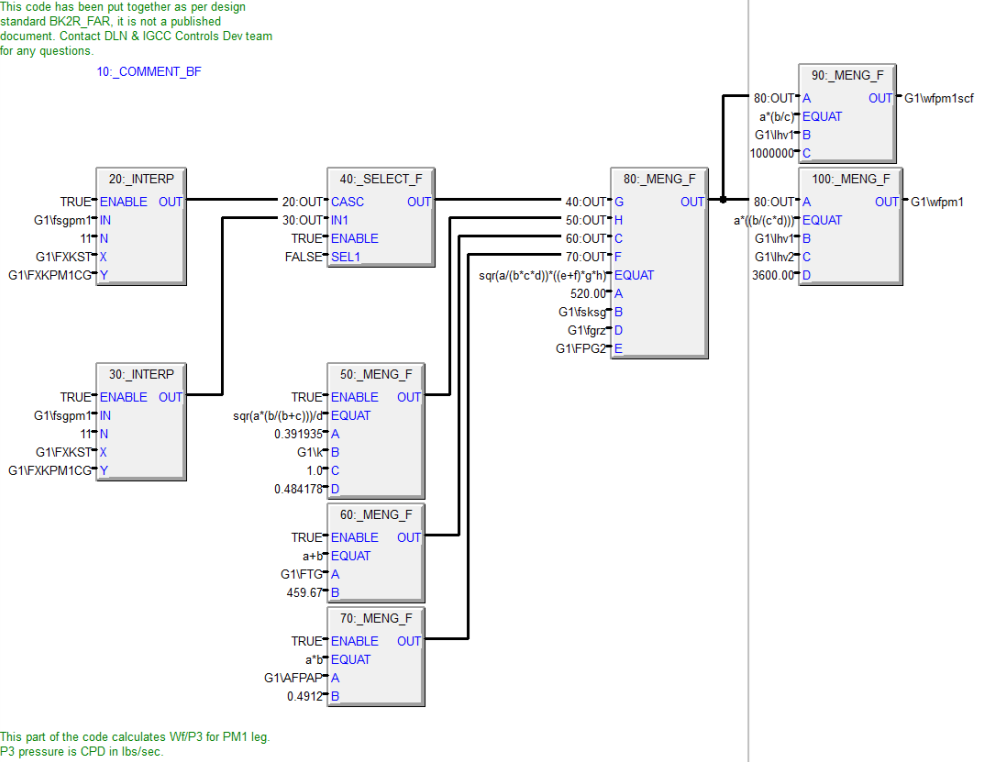
GE Mark VI logic screenshot from Actual Plant.
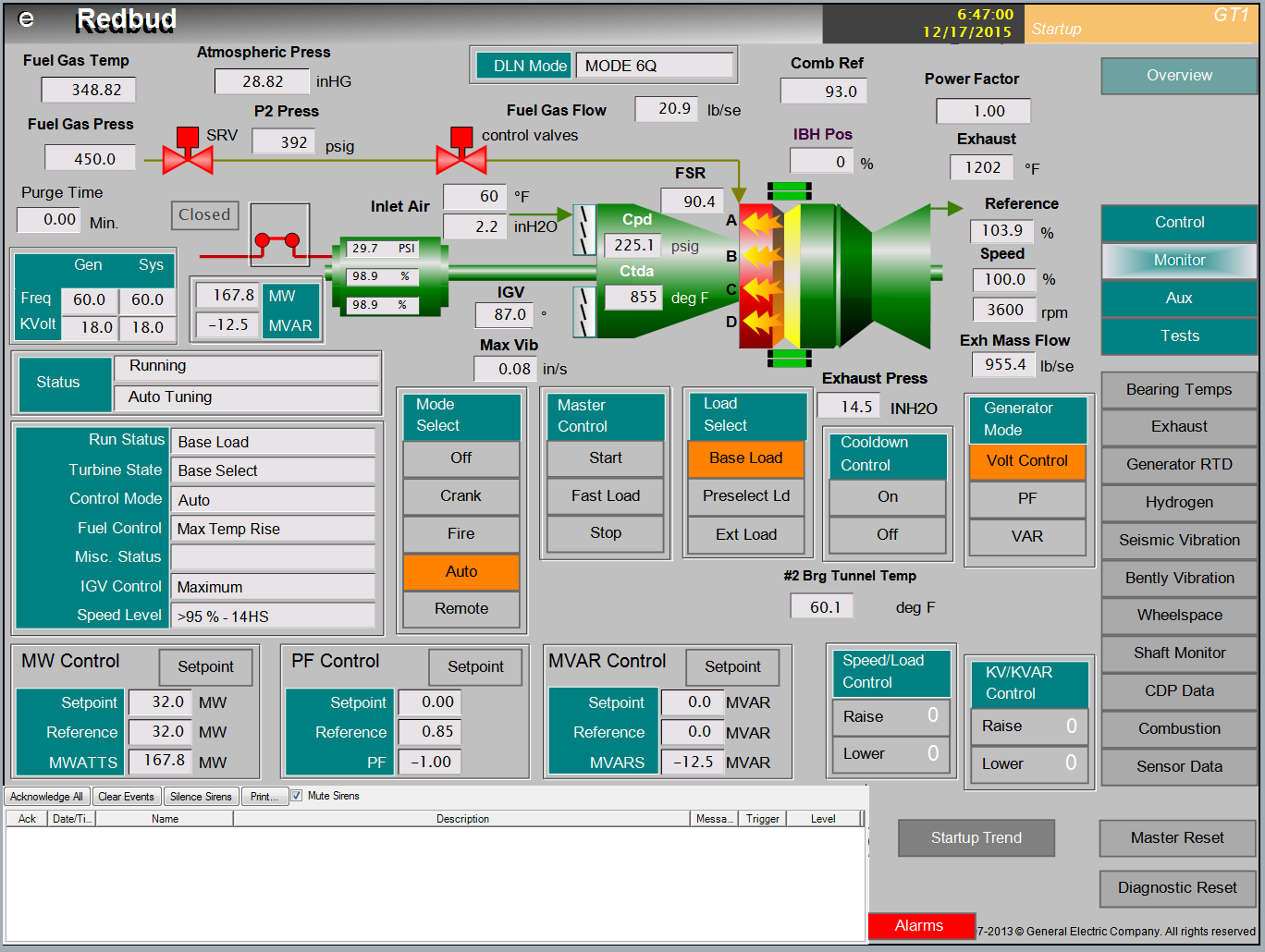
Mark VI HMI screenshot from SimGenics.
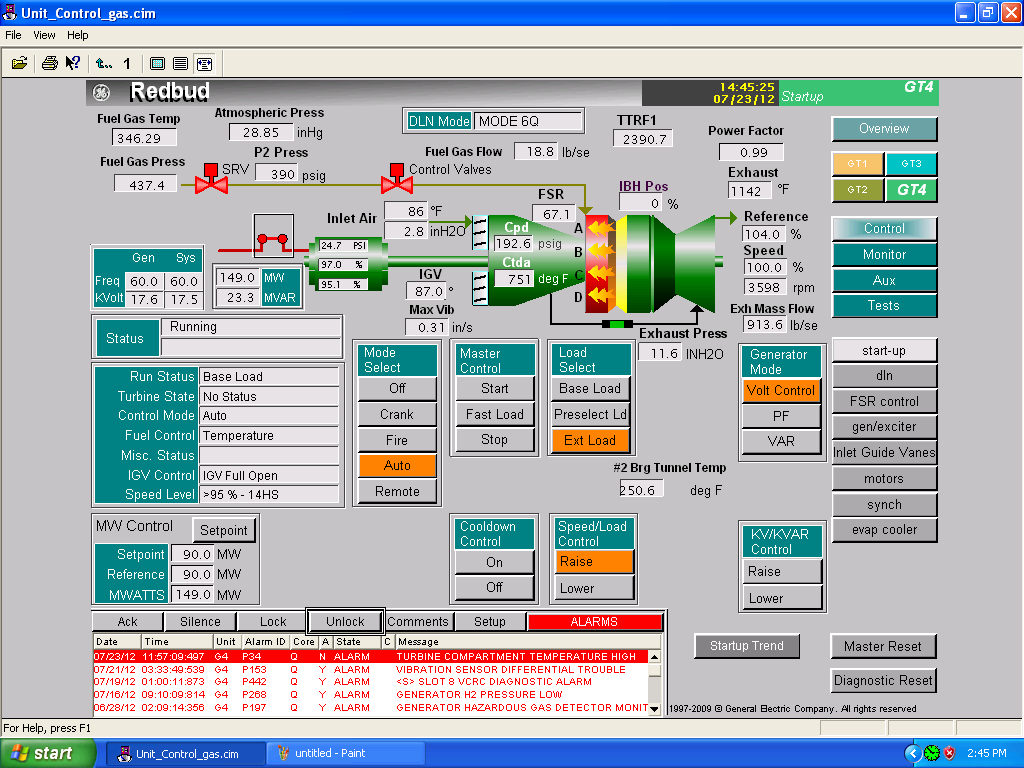
Mark VI HMI screenshot from Actual Plant.
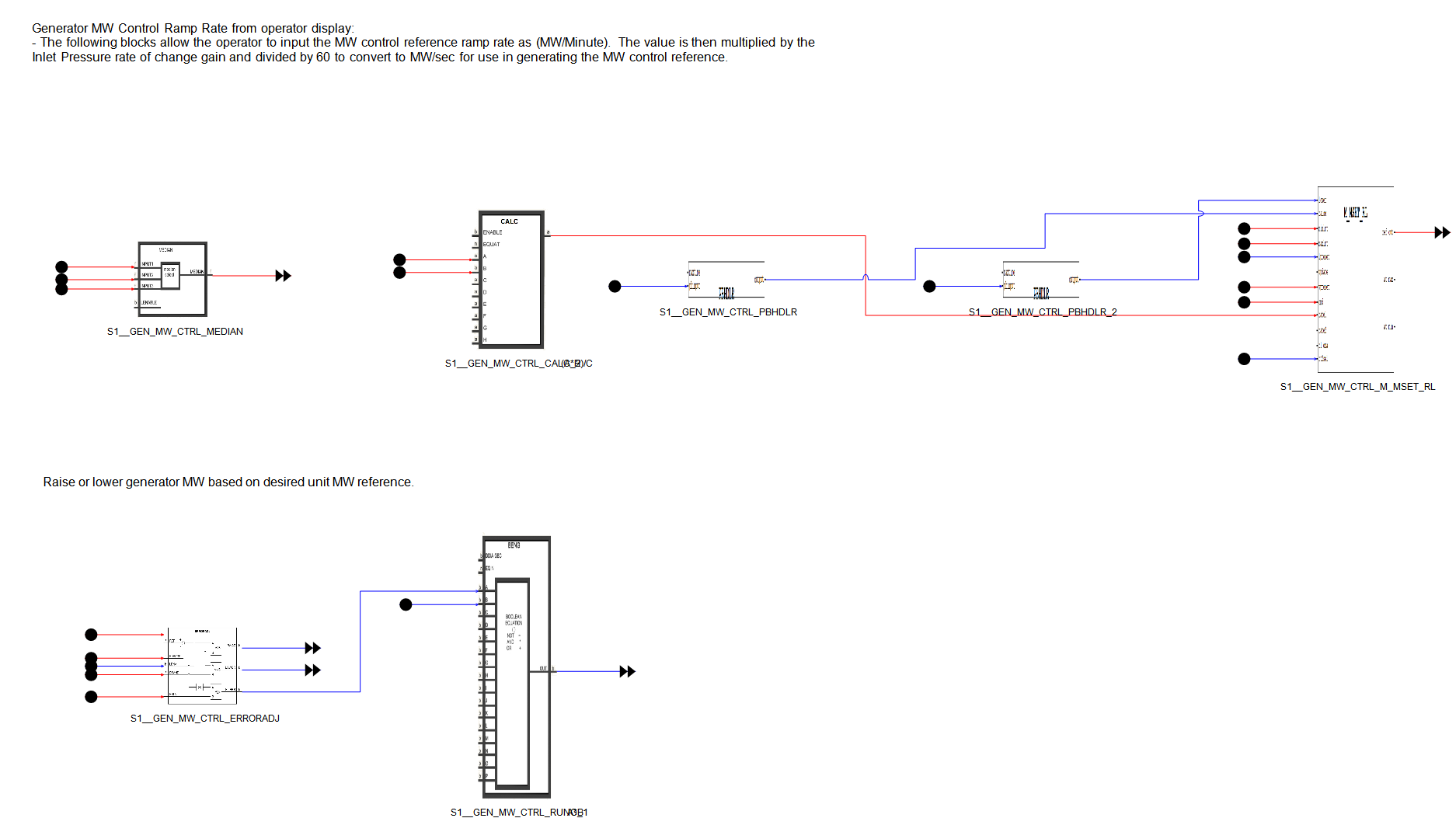
GE Mark VIe logic screenshot from SimGenics.
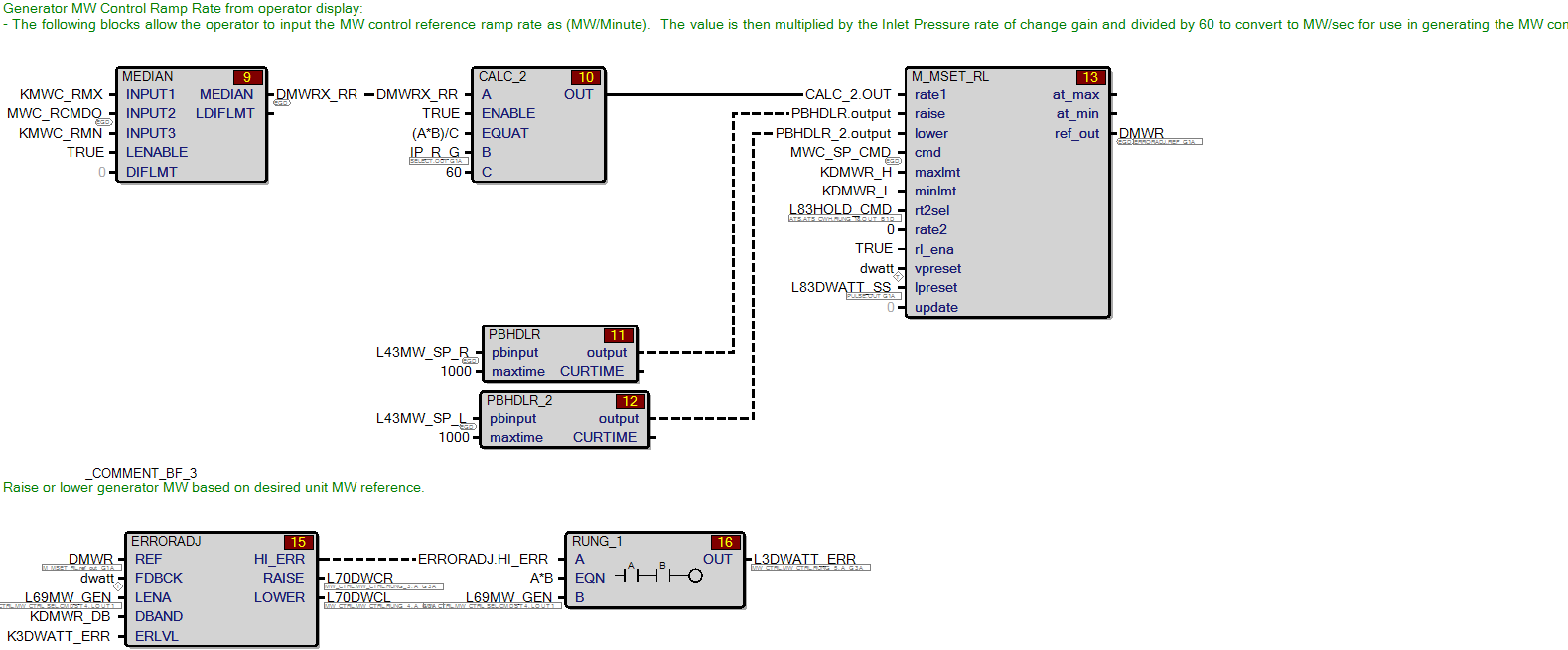
GE Mark VIe logic screenshot from Actual Plant.
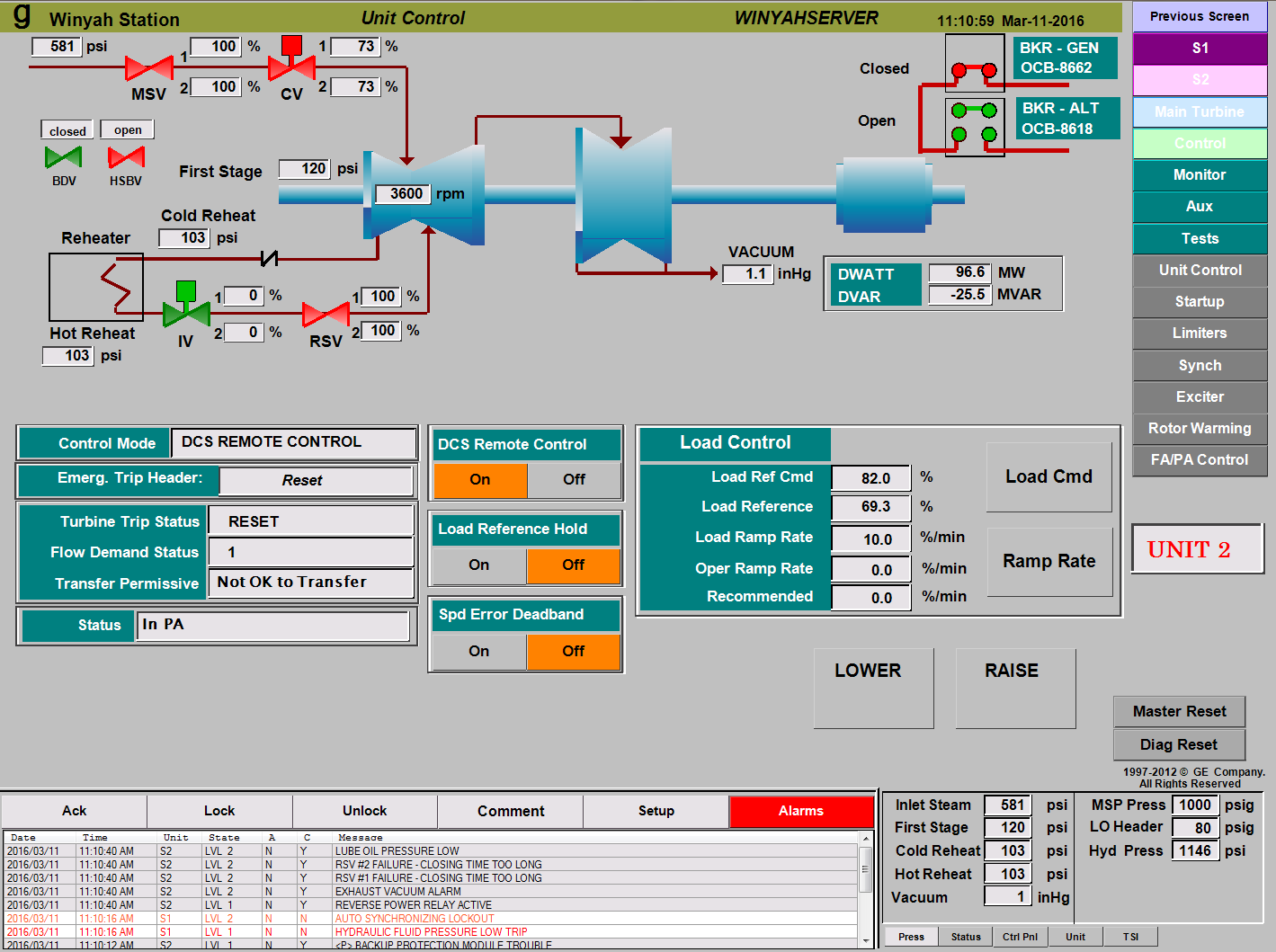
Mark VIe HMI screenshot from Samahnzi.
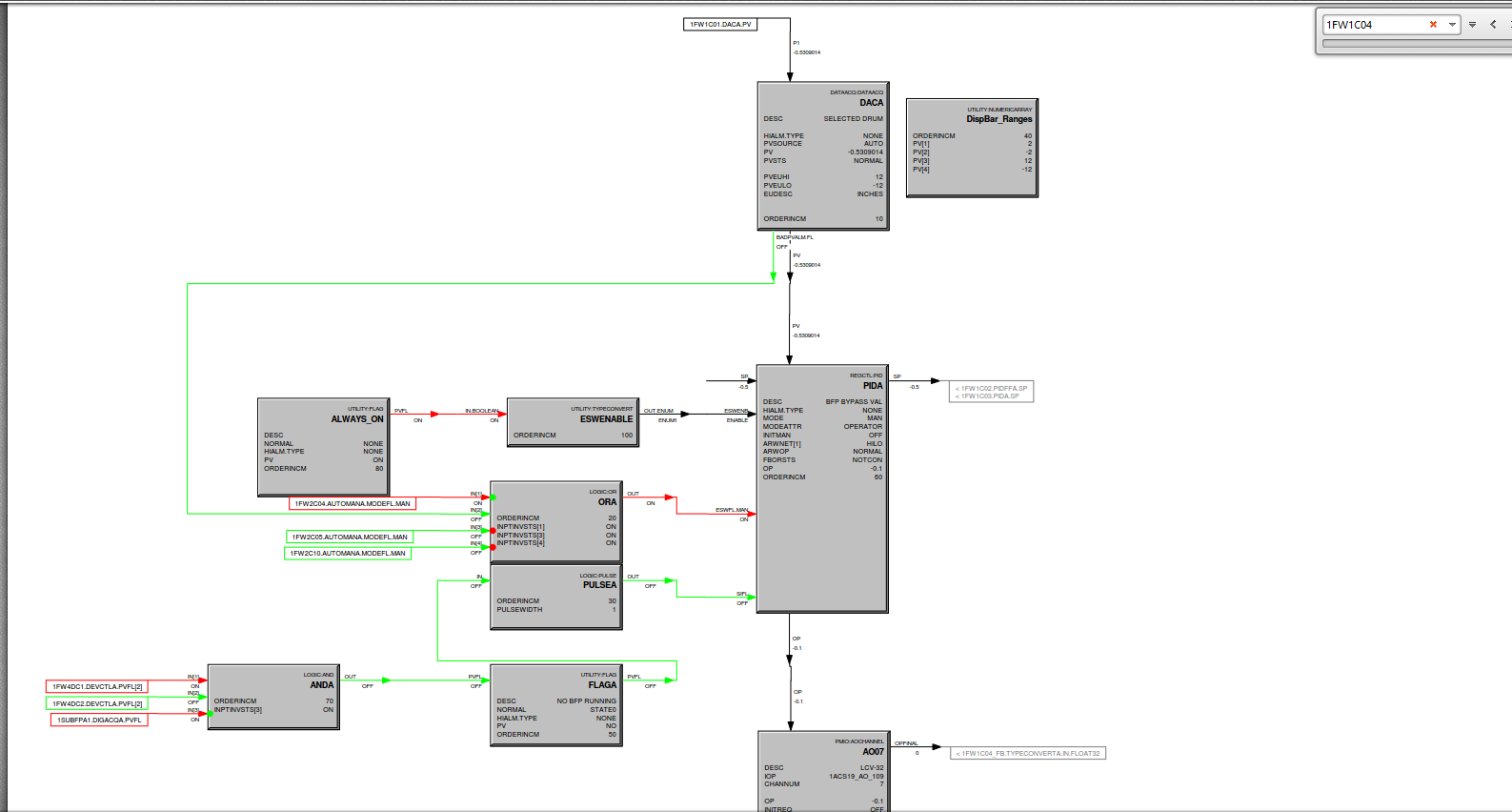
Honeywell Experion Logic screenshot from Actual Plant’s Engineering Station
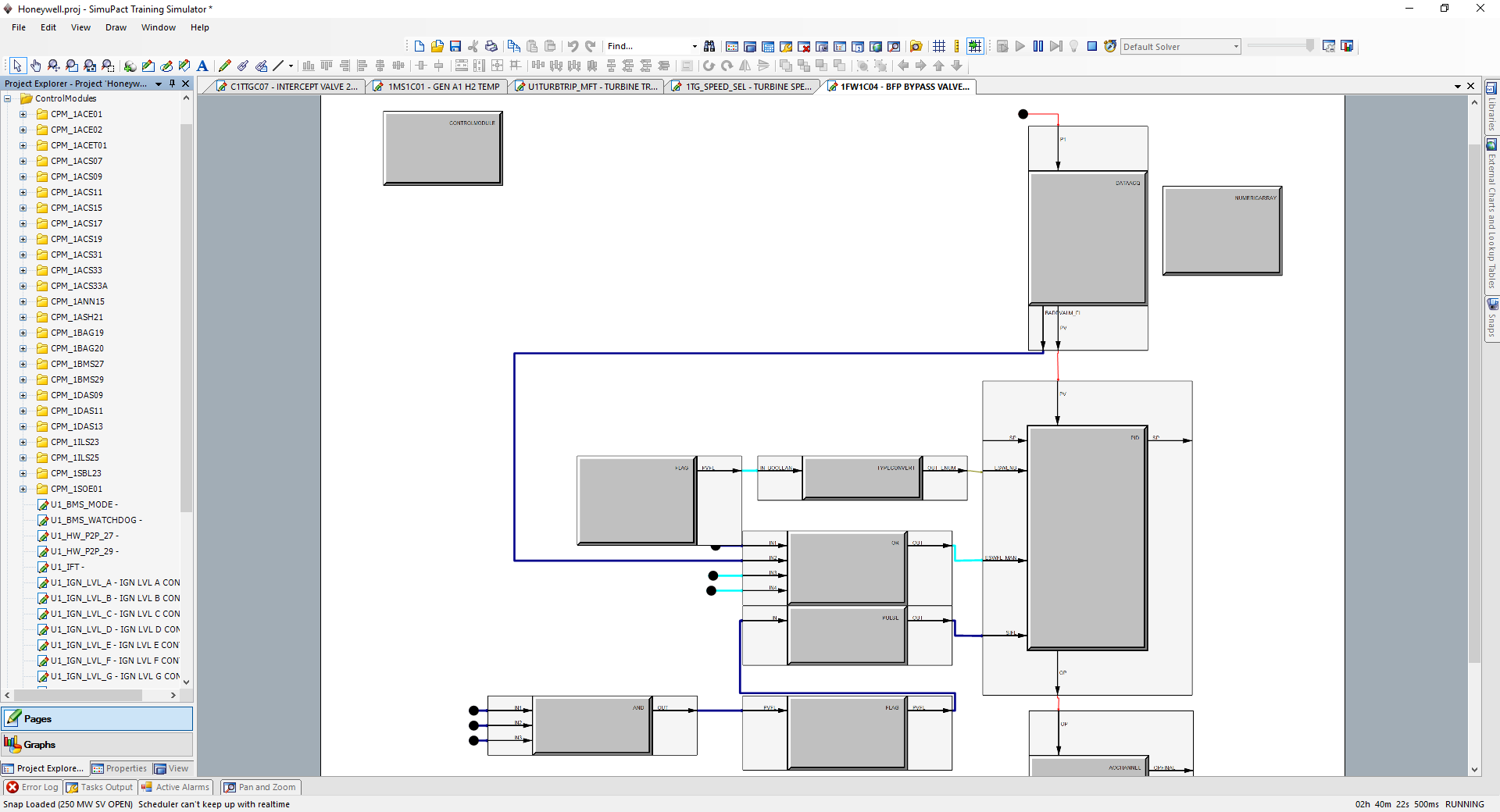
Automatically Translated Honeywell Experion Logic Emulation Running on SimuPACT

Logic View in Automatically Translated Honeywell Experion HMI Emulation Running on SimuPACT
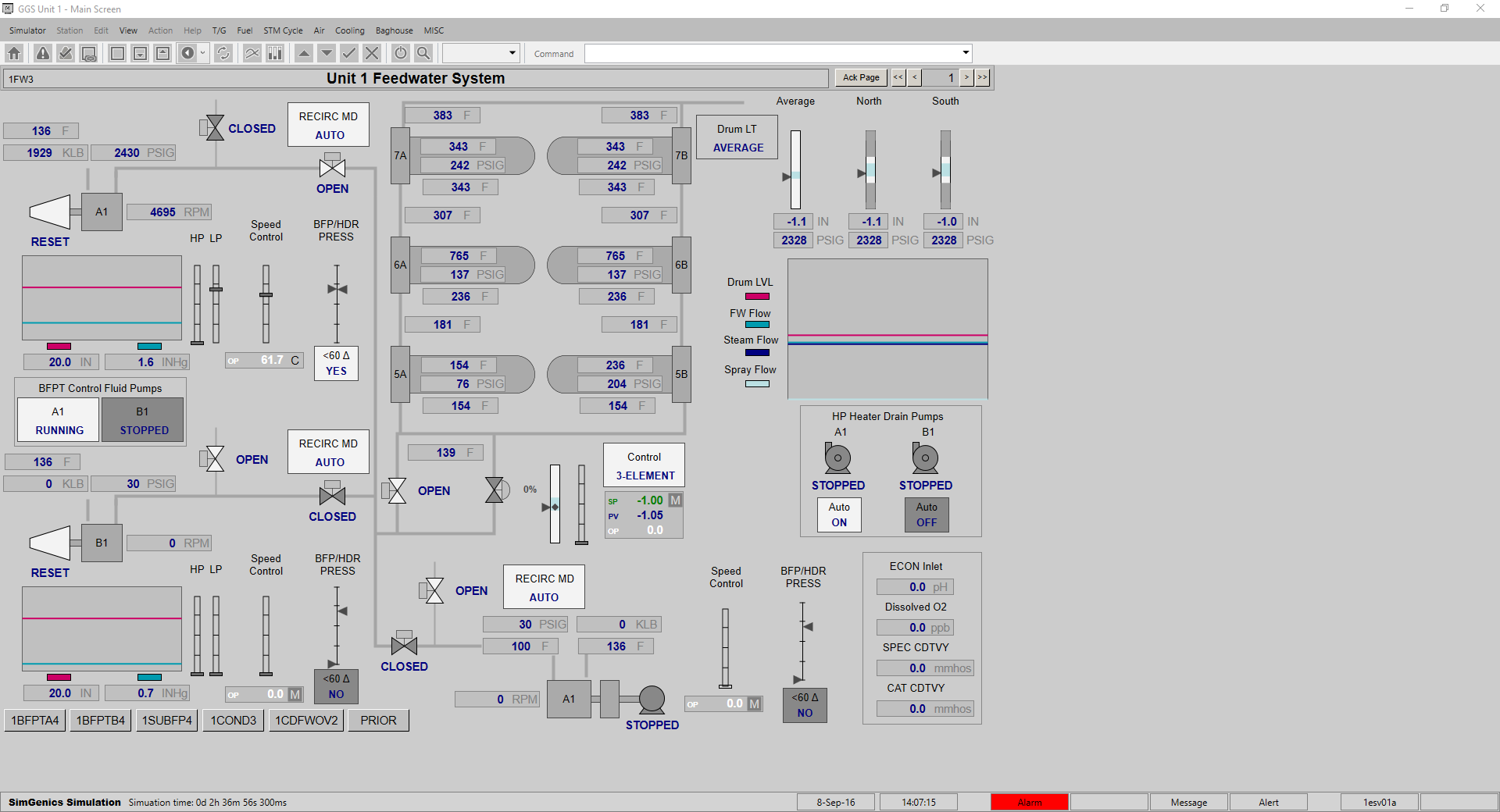
Automatically Translated Honeywell Experion HMI Running on SimuPACT
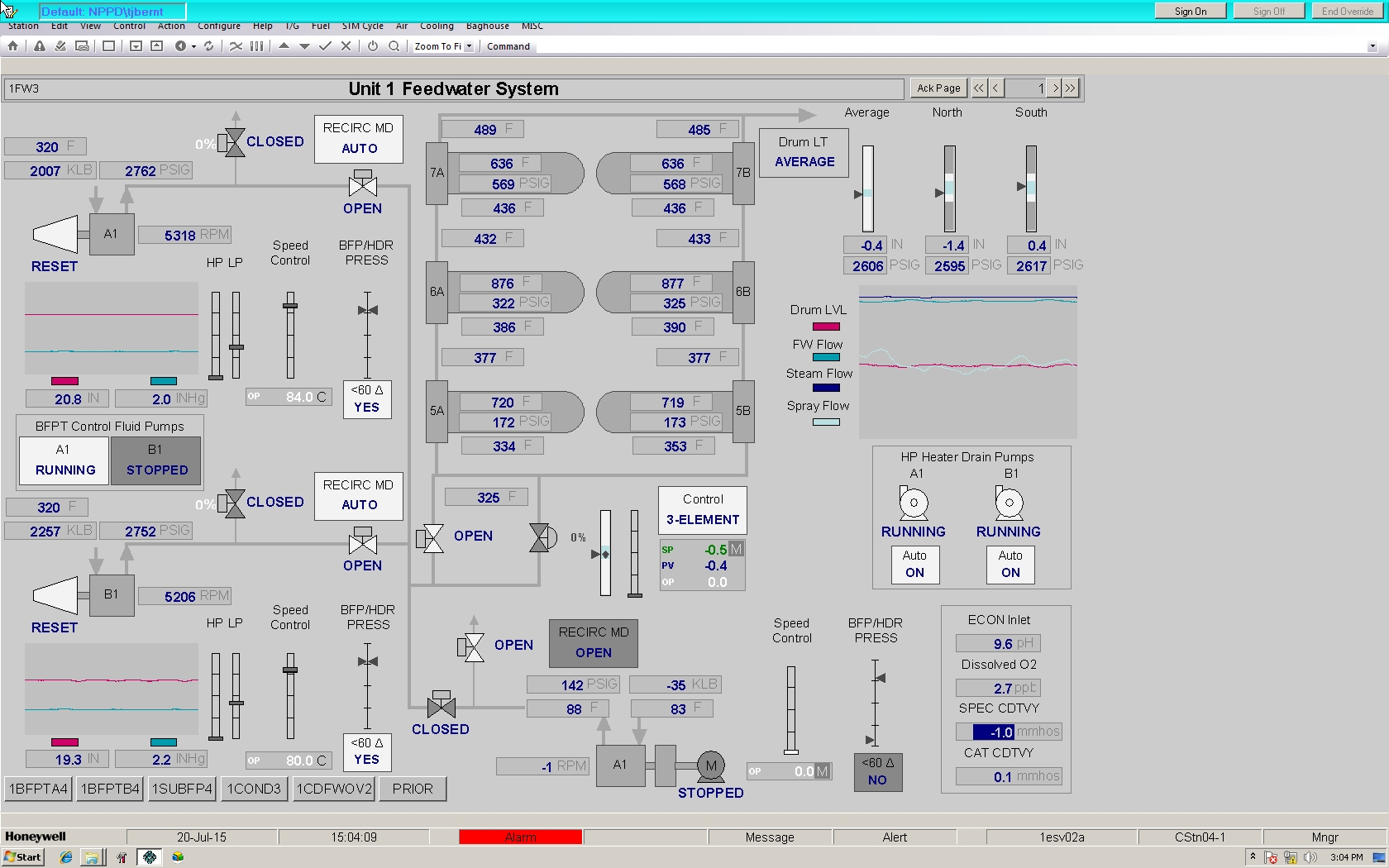
Honeywell Experion HMI from Actual Plant
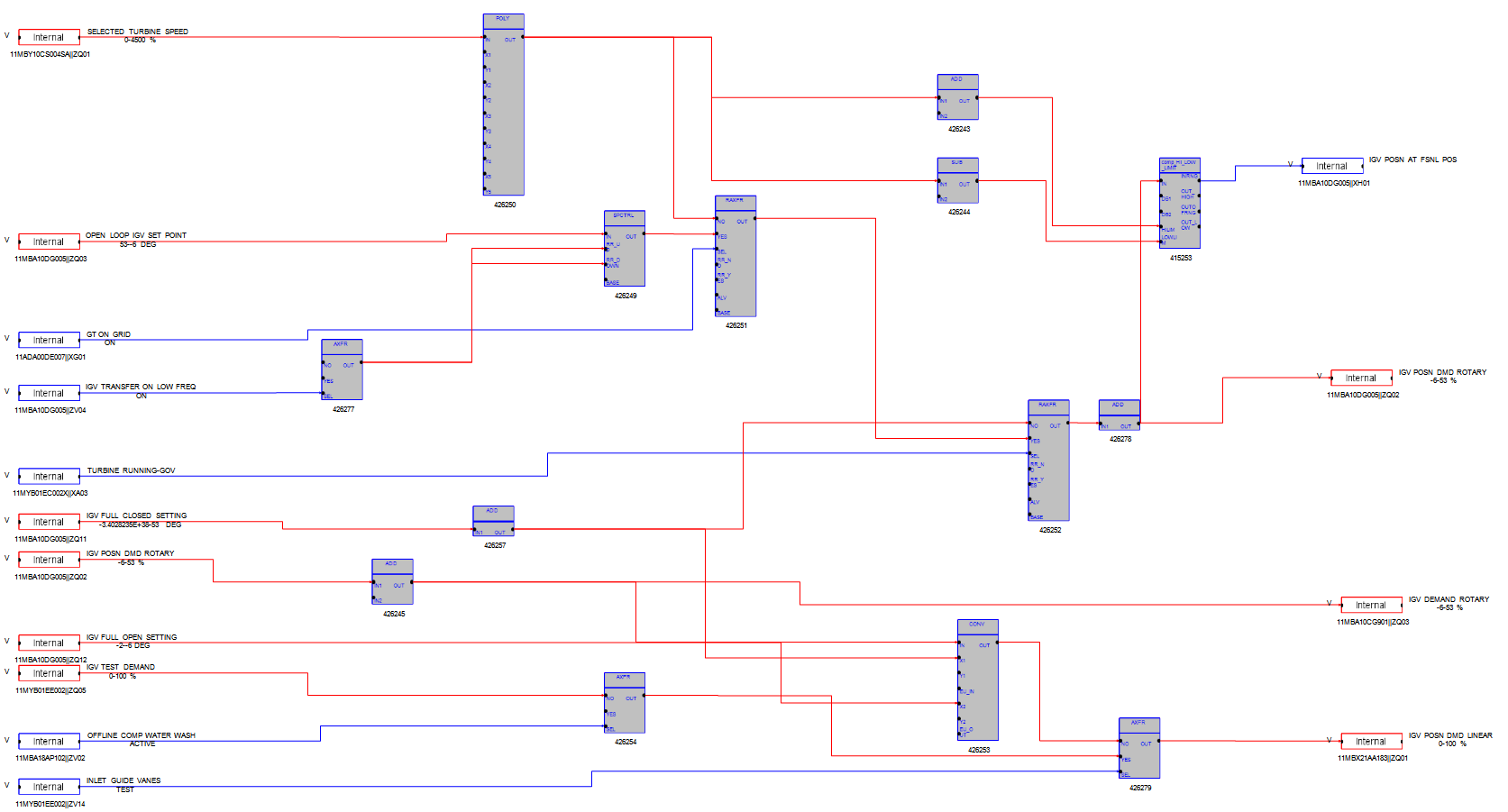
Siemens SPPA-T3000 logic screenshot from SimGenics.
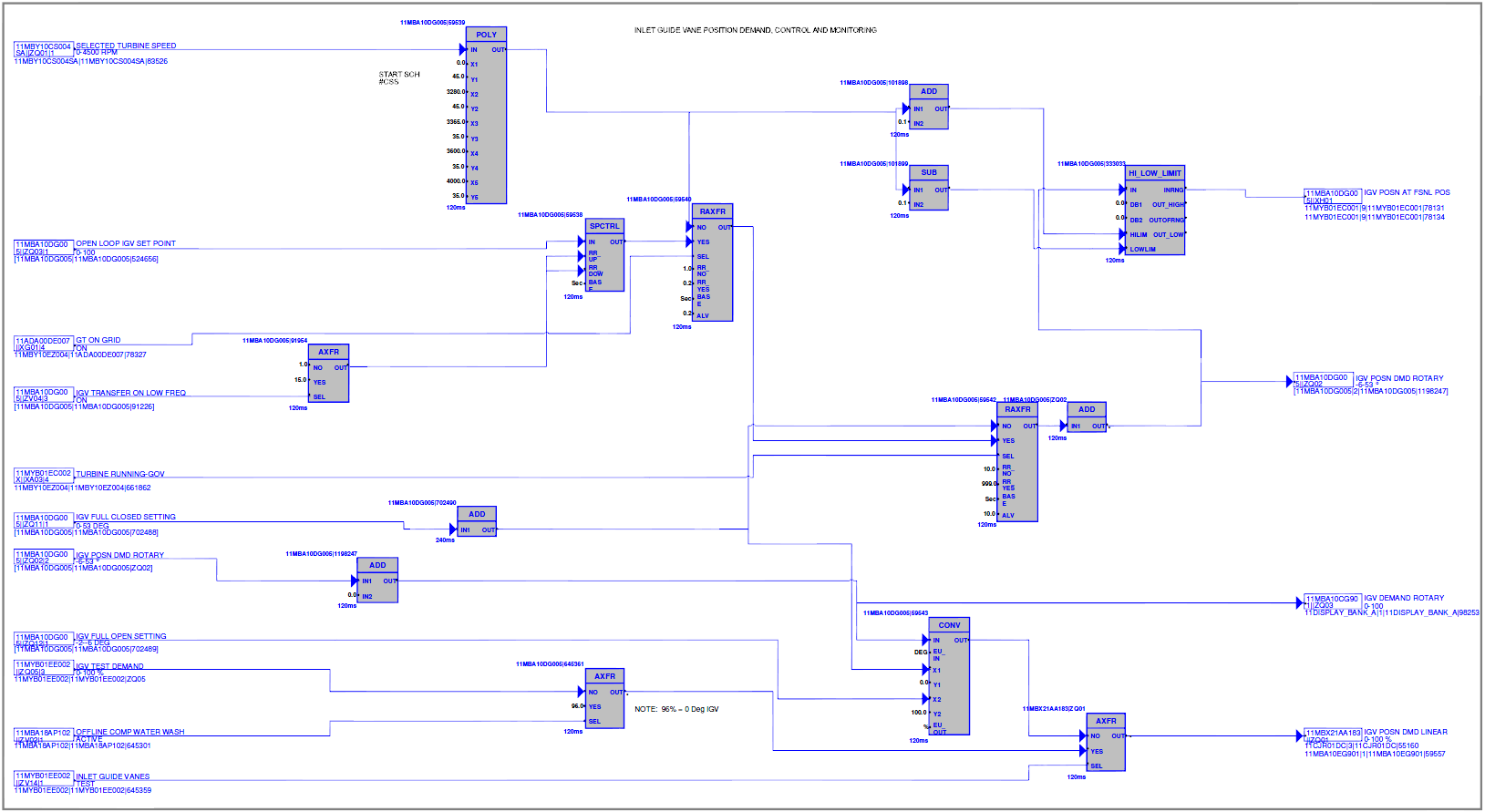
Siemens SPPA-T3000 logic screenshot from Actual Plant.

Automatically Translated Siemens SPPA-T3000 HMI Running on SimuPACT

Siemens SPPA-T3000 HMI from Actual Plant
Manual drawing of all DCS/HMI screens, and creating all control and visual blocks, faceplates, I/O and control signals manually inside SimuPACT, to give an accurate representation of the actual plant DCS and/or look-and-feel of the actual plant HMI for integration with a SimuPACT or 3rd party Process Model.
This way takes some time, but is very cost-effective, even though updates on the Simulator do take more time than the other options in case the plant DCS/HMI changes.
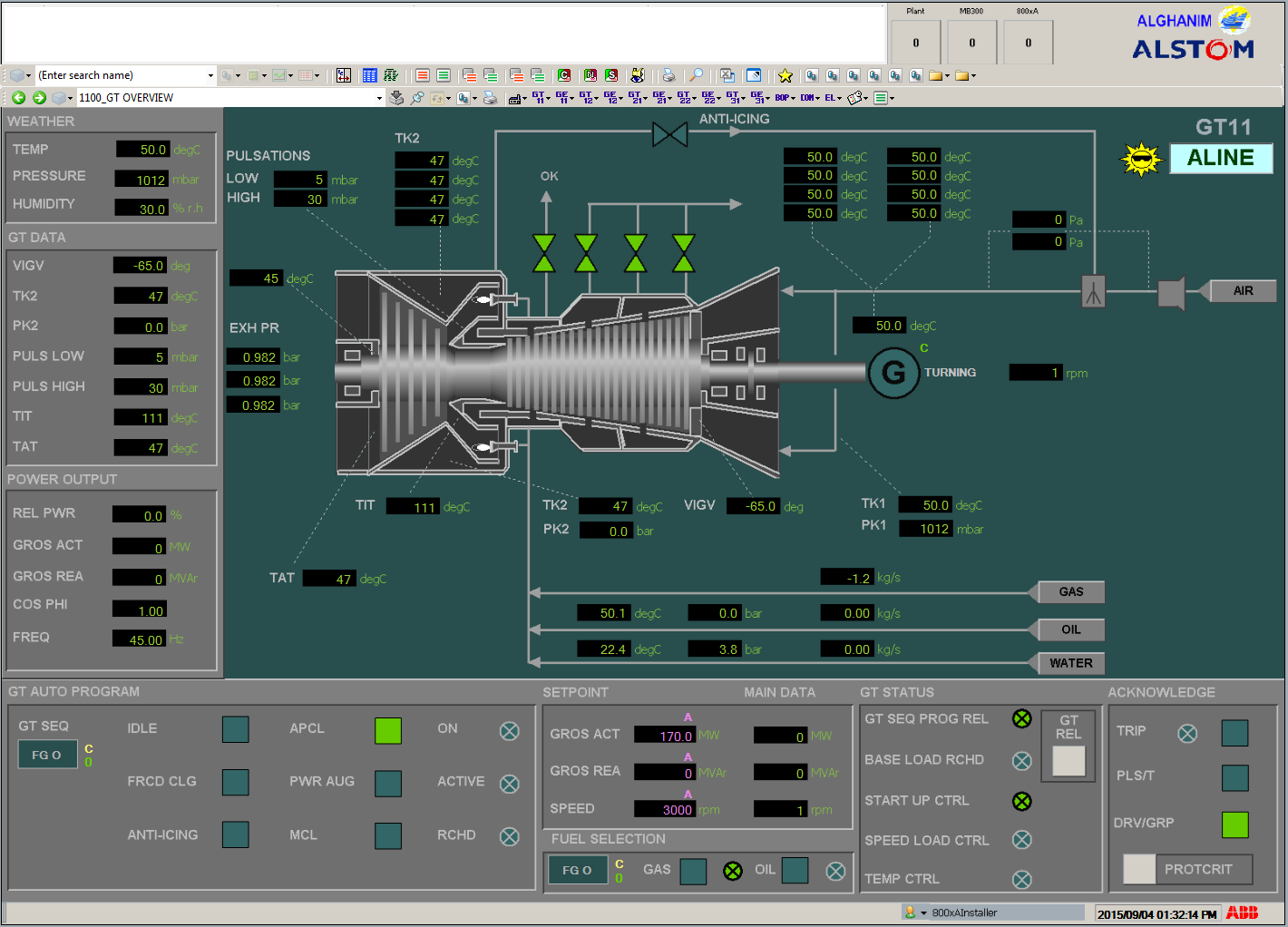
ABB 800xA HMI screenshot from SimGenics.
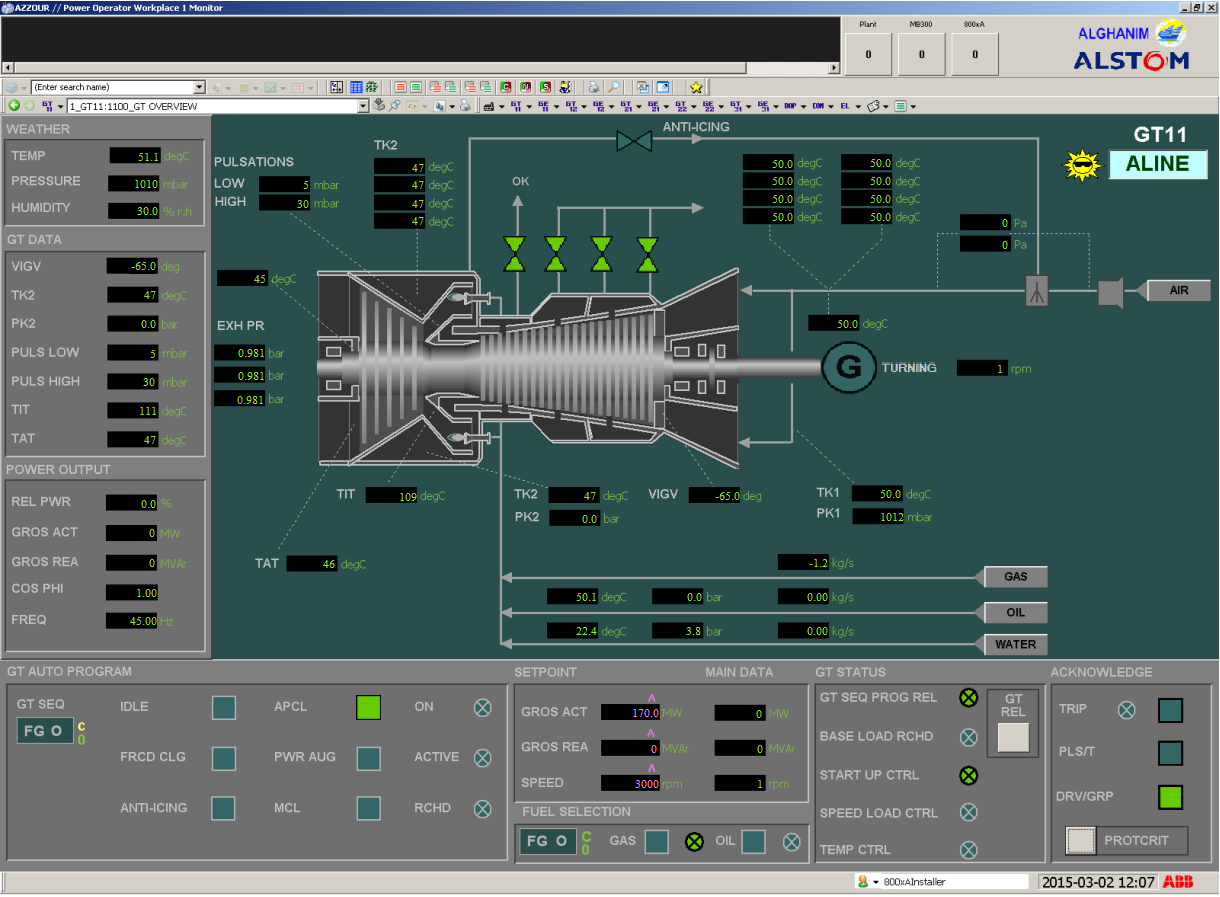
ABB 800xA HMI screenshot from Actual plant.
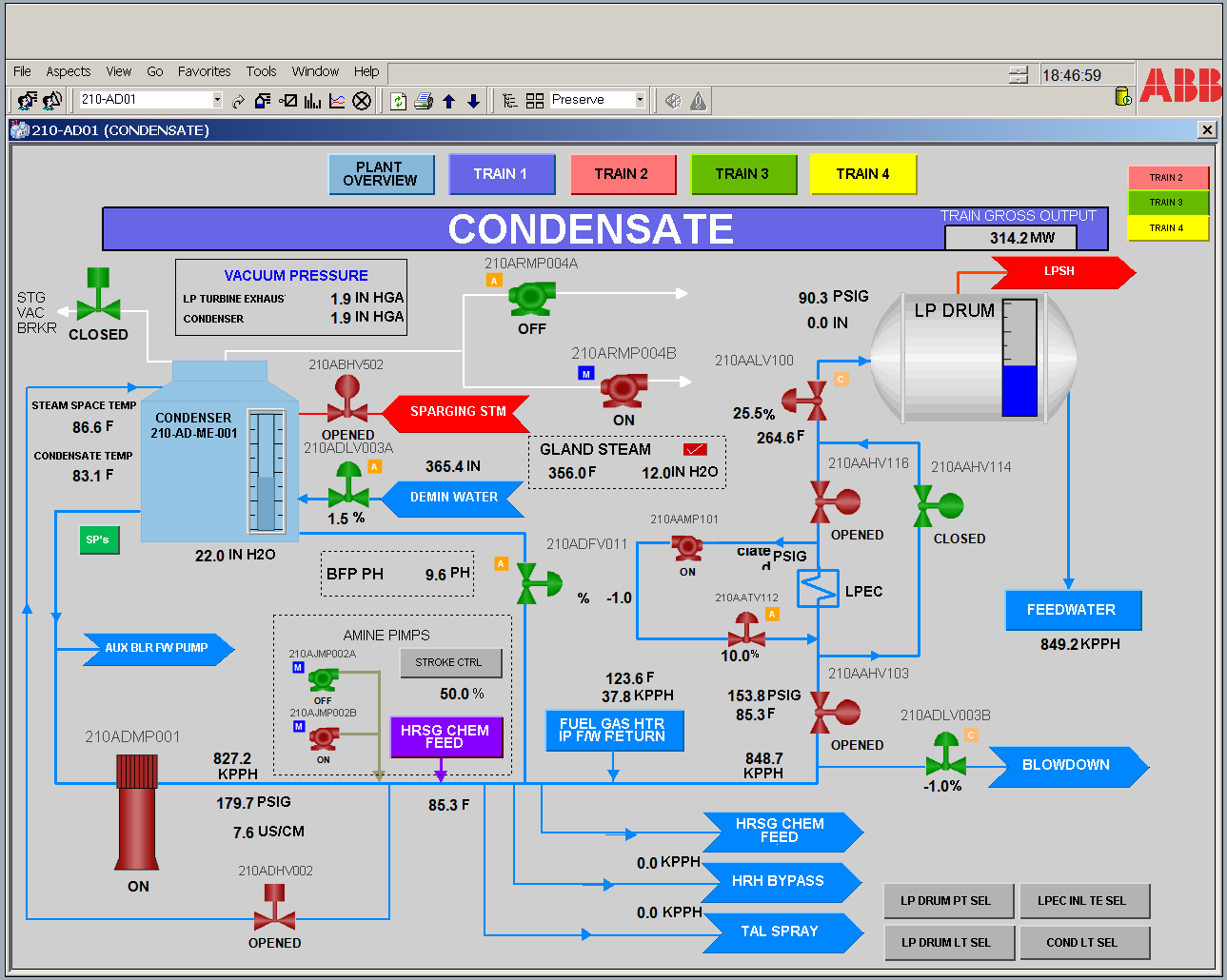
ABB Process Portal B HMI screenshot from SimGenics.
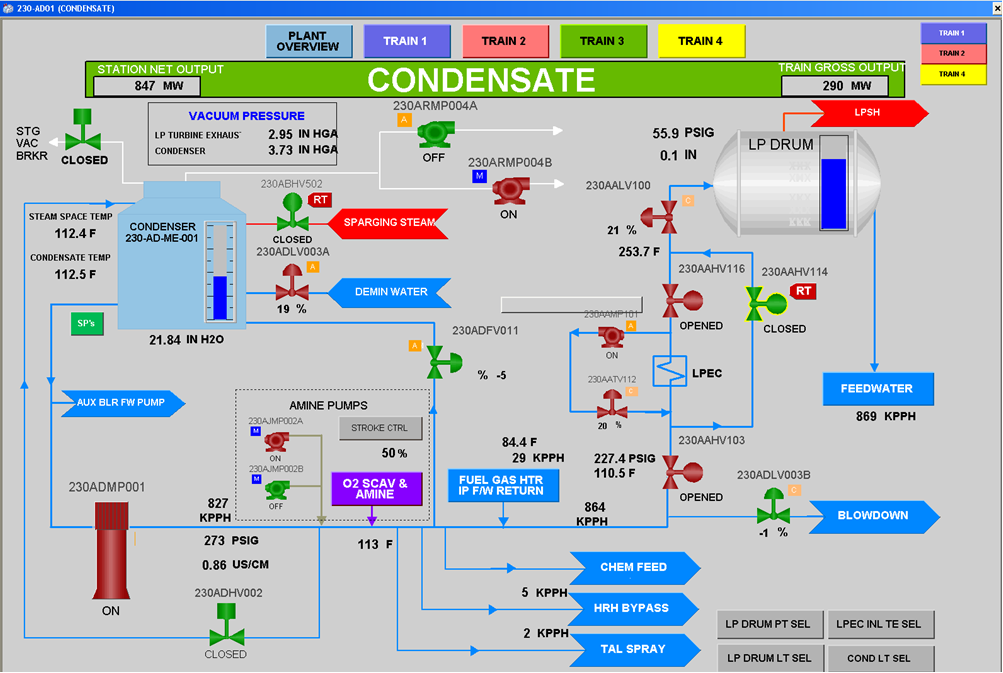
ABB Process Portal B HMI screenshot from Actual Plant.
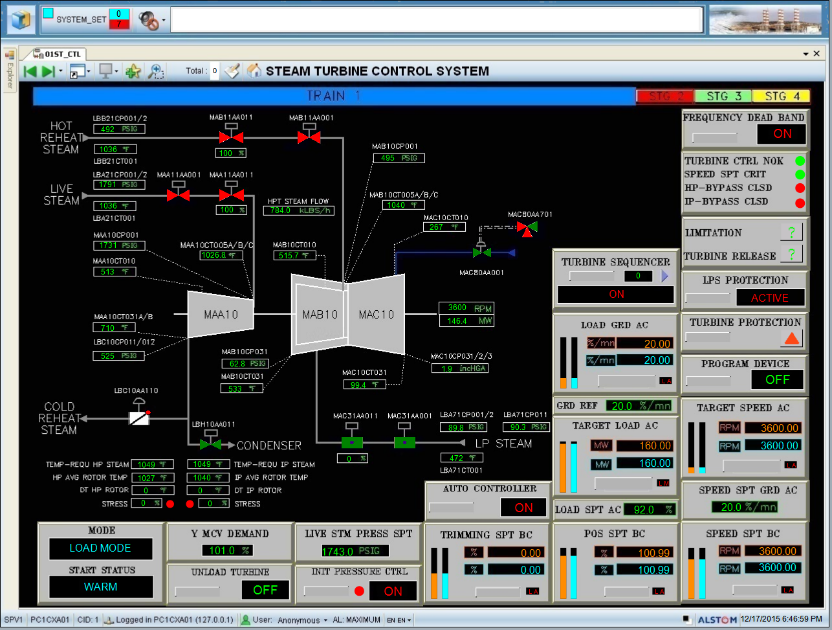
Manually Replicated ALSPA P320 HMI Running on SimuPACT
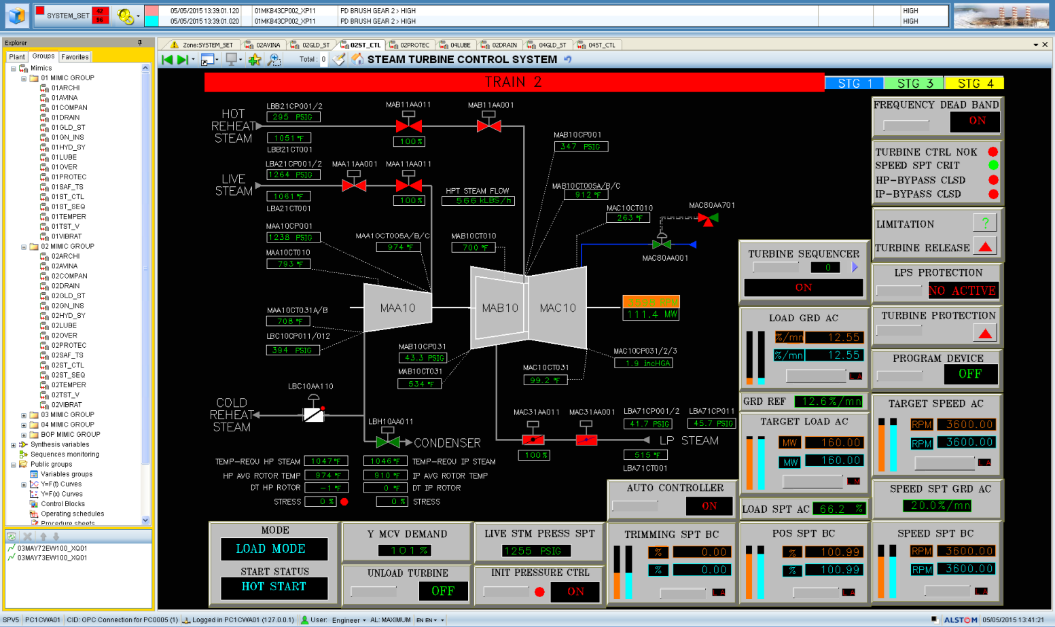
ALSPA P320 HMI from Actual plant
In the case of hard panels the panels are built on the Simupact platform (i.e. ‘Soft Panels) from where it can be operated virtually.
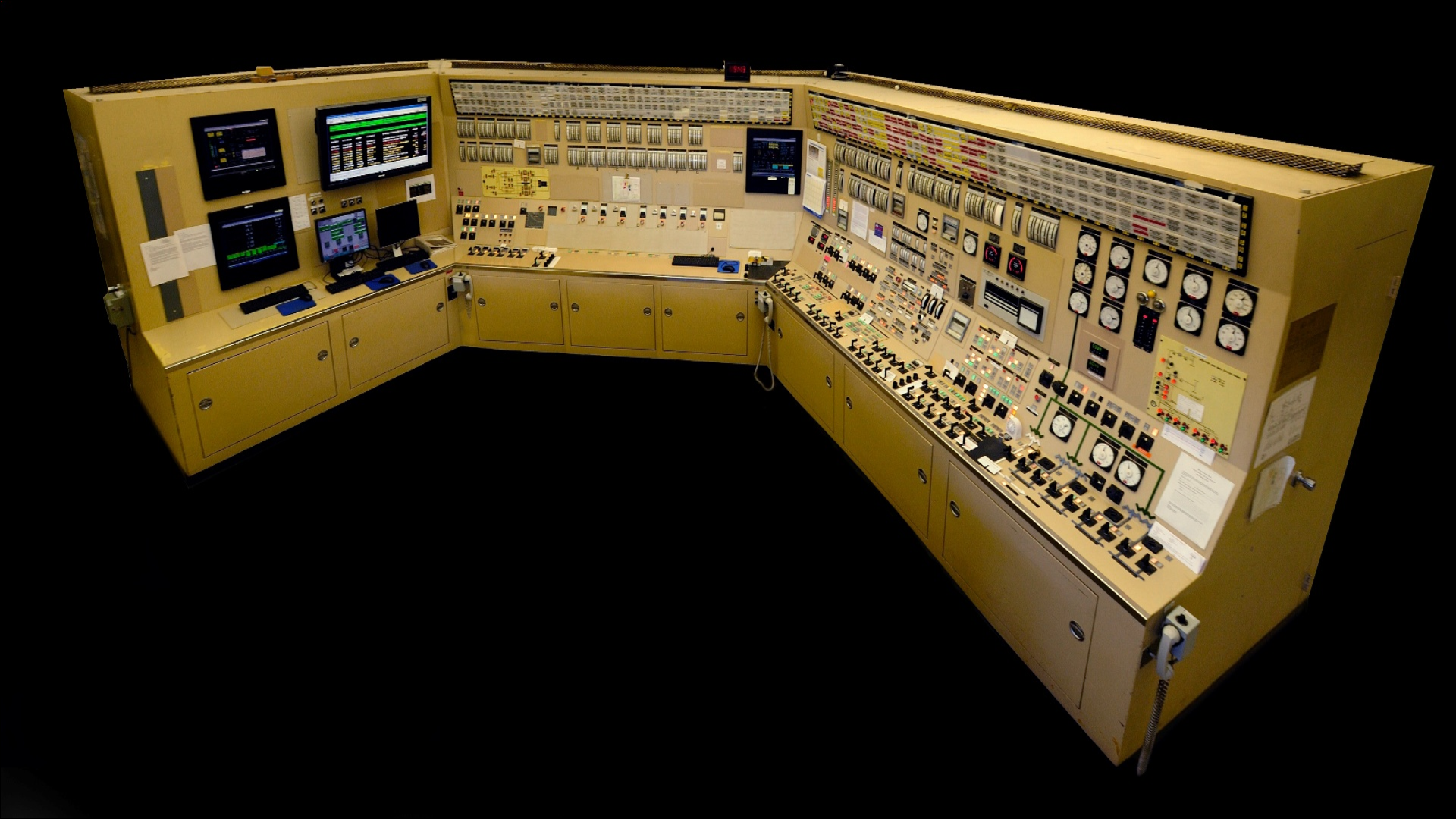
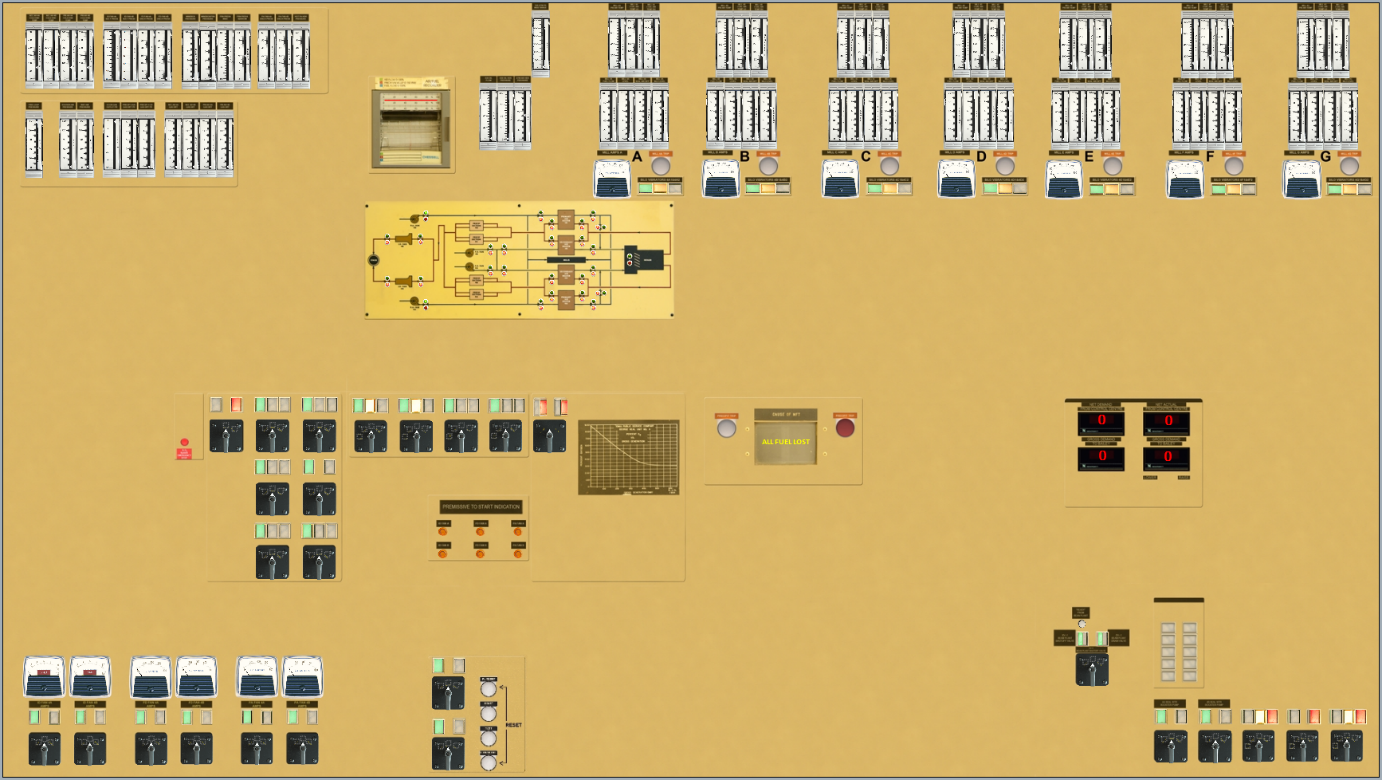
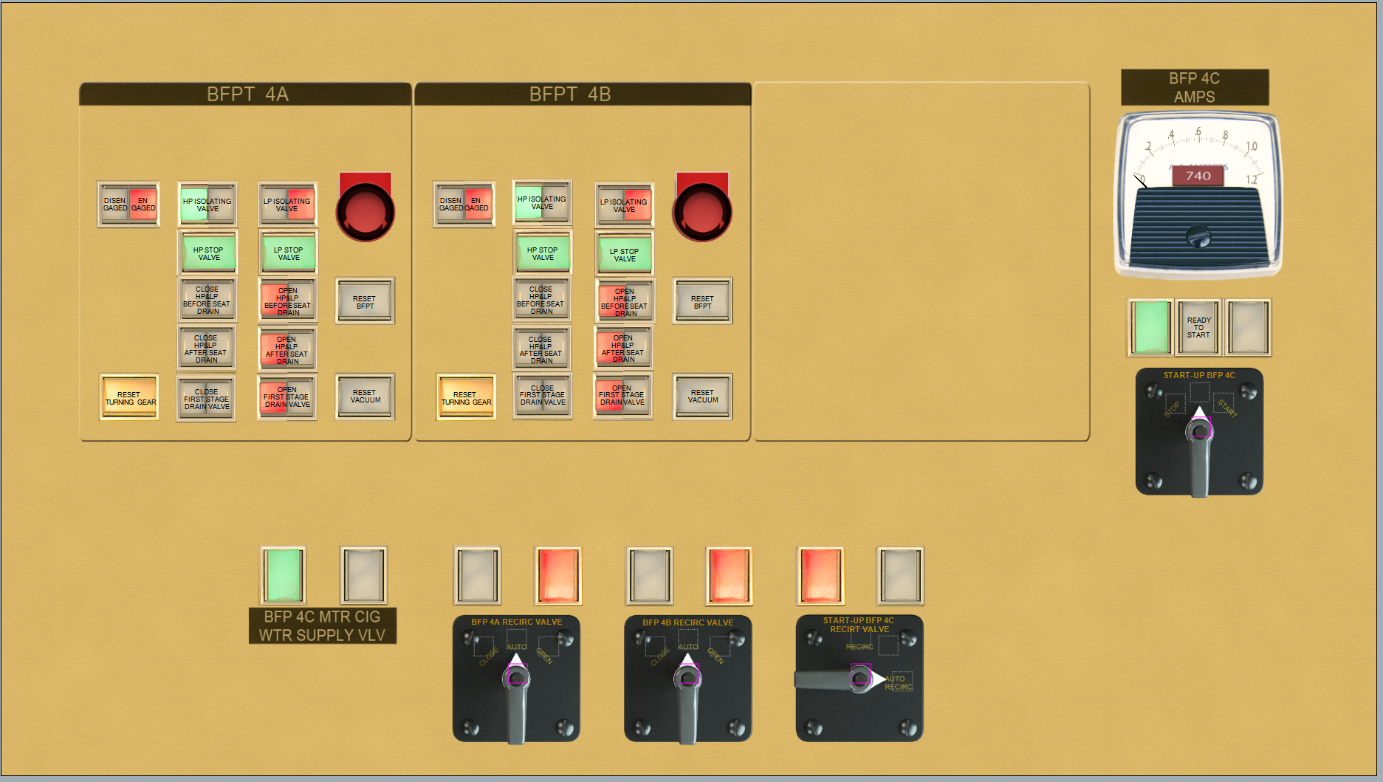
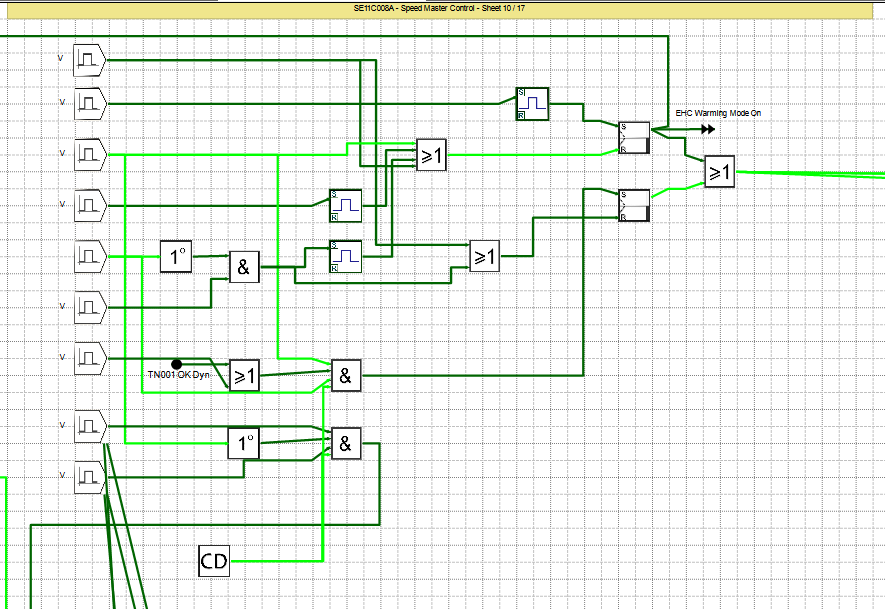
Mauell logic screenshot from SimGenics.
All DCS/HMI files from the actual plant are passed to an application developed by the DCS/HMI vendor which automatically builds an emulation to run on a PC application, also developed by the vendor. This method also includes automated setup of control and visual blocks’ layout, faceplates, I/O signals and control signals for integration with a SimuPACT or 3rd party Process Model.
This way generally produces the most accurate emulation of the plant’s DCS/HMI system, but is also significantly more expensive than the other 2 options. Similar to the SimuPACT automated translation option, it is quick and efficient, and accommodates easy updating of a Simulator in case the plant DCS/HMI changes.
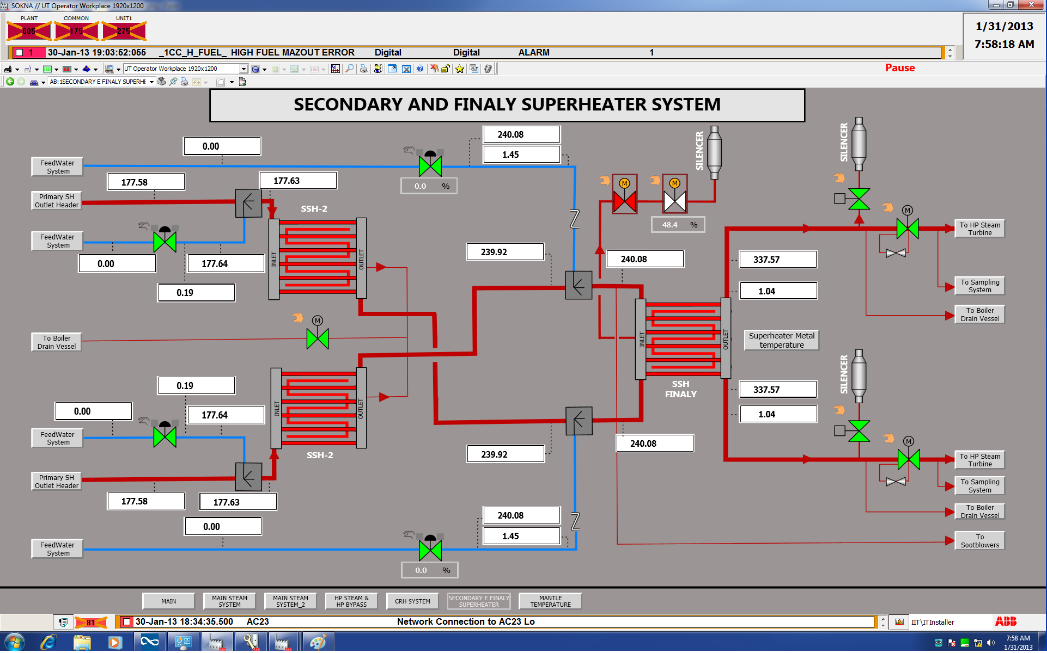
The same HMI as on Actual Plant is supplied by DCS/HMI Vendor
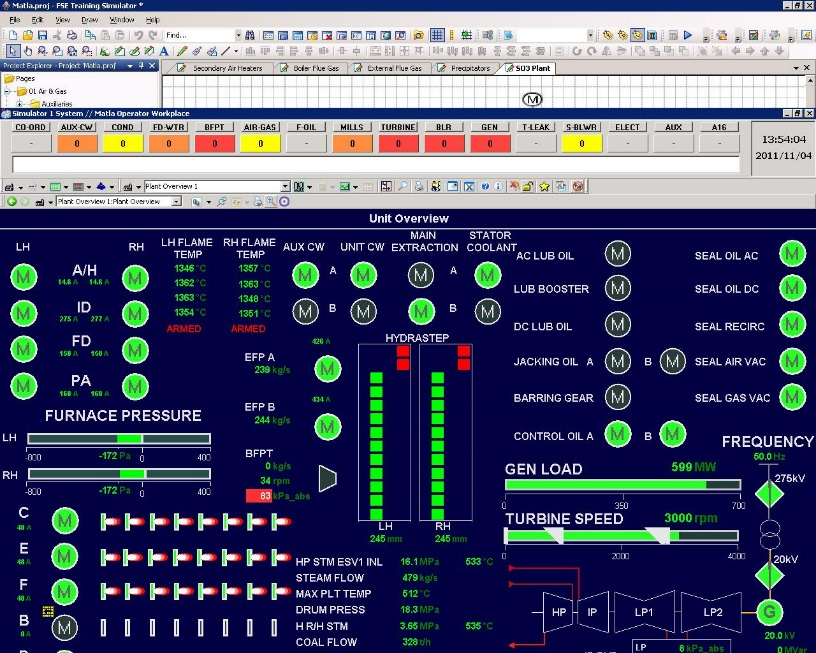
The same HMI as on Actual Plant is supplied by DCS/HMI Vendor
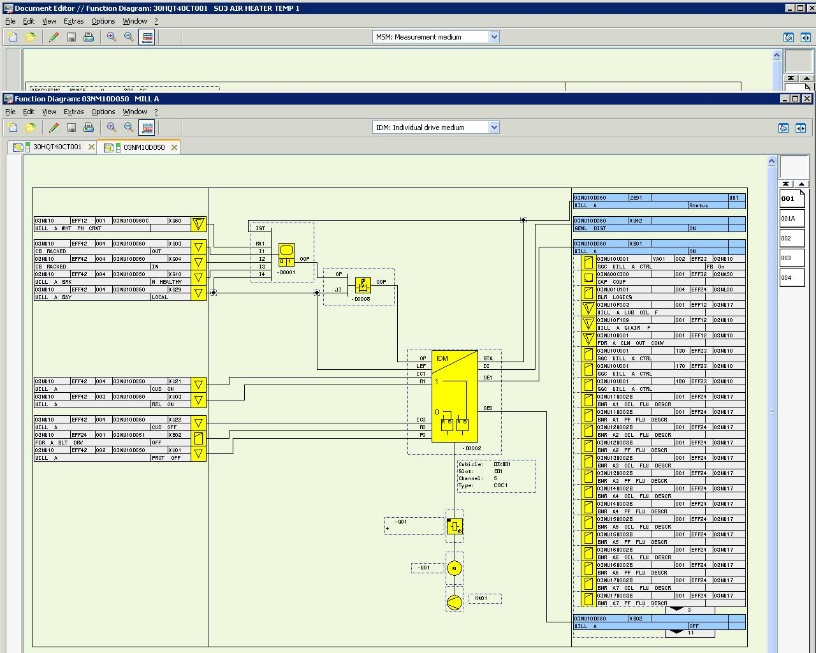
The same DCS Engineering Station as on Actual Plant is supplied by DCS/HMI Vendor and can be used to monitor controls running in Vendor supplied DCS Emulator Application
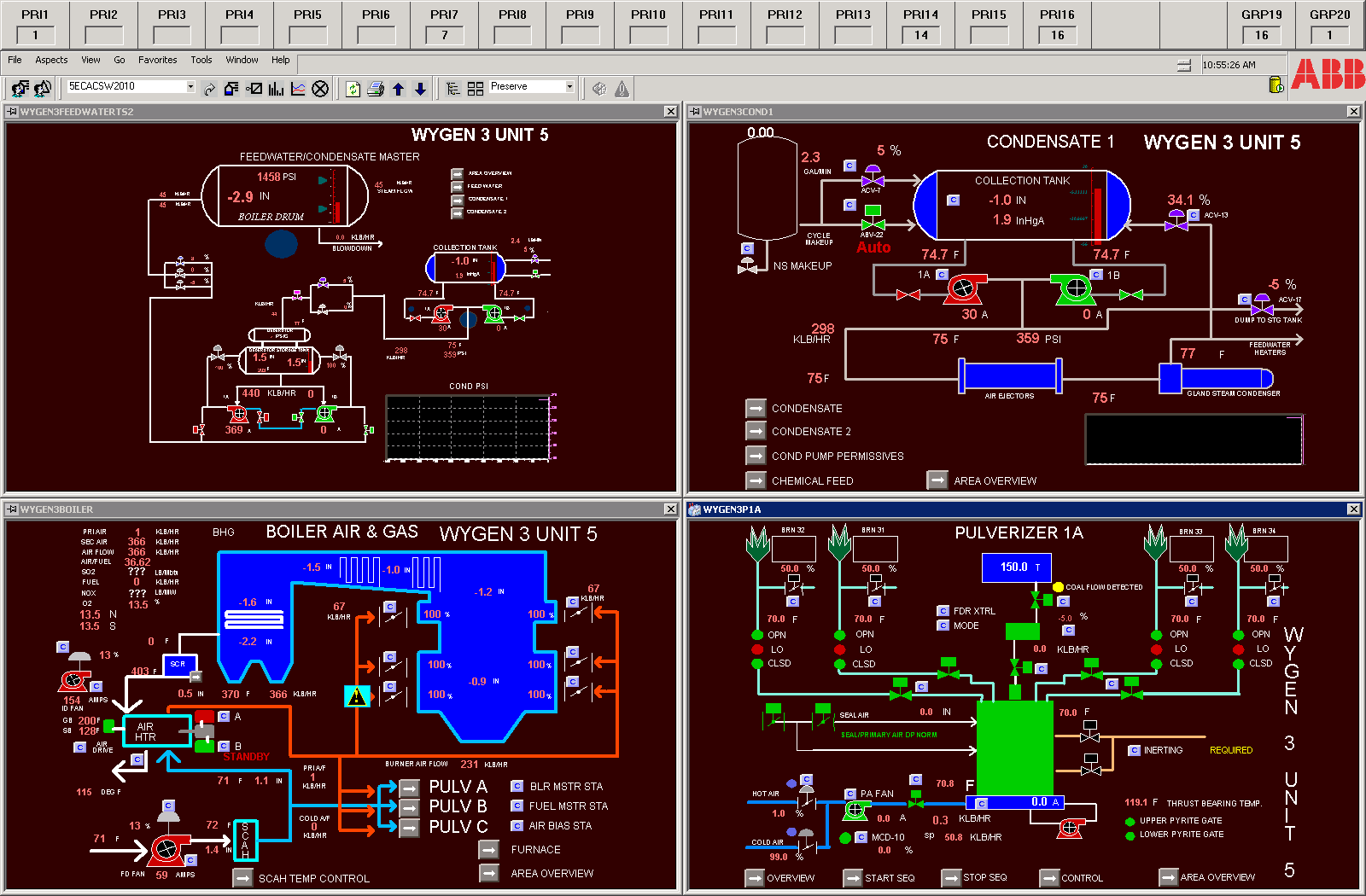
Project Example (Harmony Training System – HTS)
The same HMI as on Actual Plant is supplied by ABB, as well as the Engineering Station, which can be used to monitor controls running in the ABB supplied Infi 90 DCS Emulator Application

The same HMI as on Actual Plant is supplied by Emerson, as well as the Engineering Station, which can be used to monitor controls running in the Emerson supplied SimulatePro DCS Emulator Application.
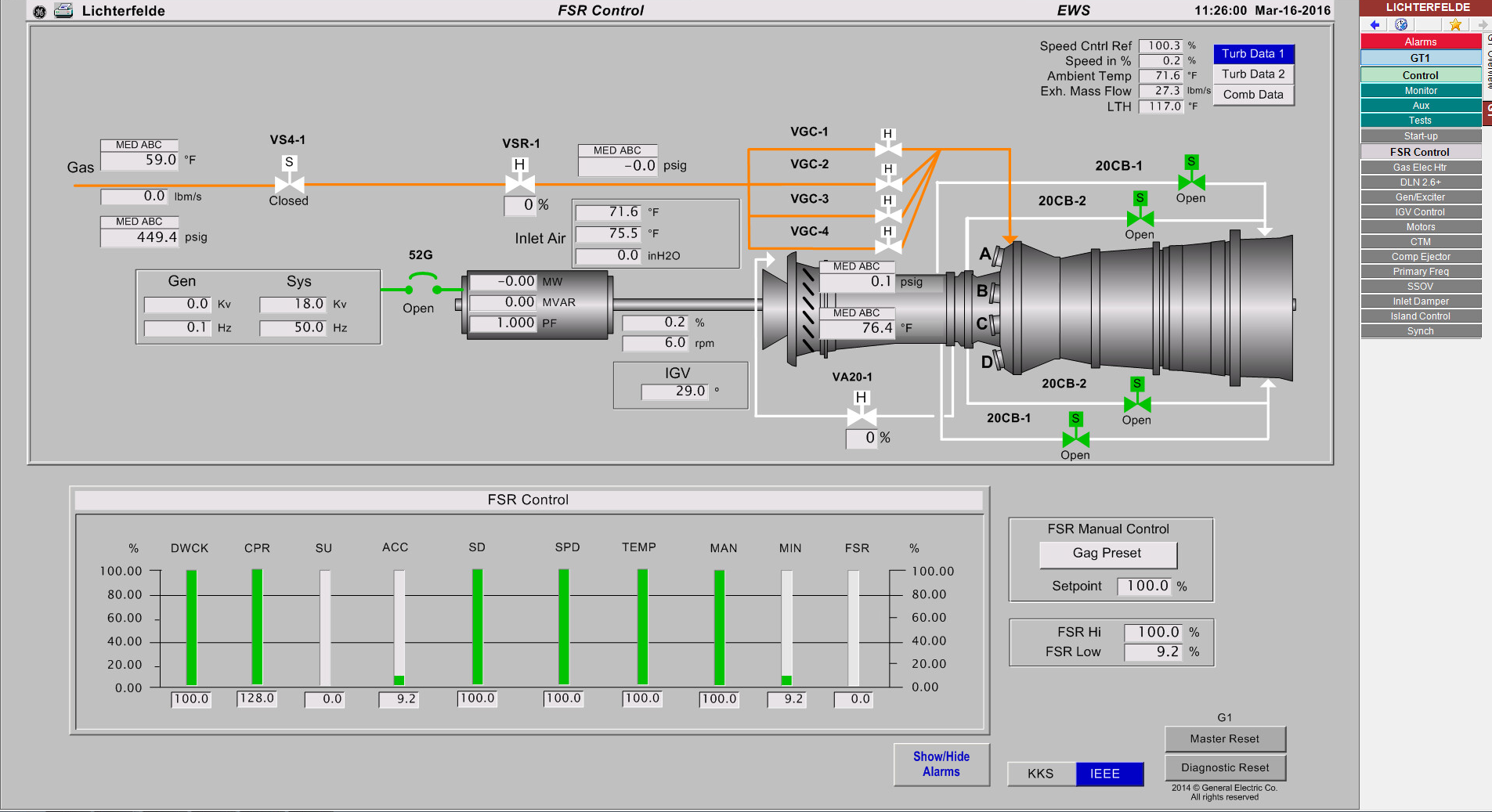
The same HMI as on Actual Plant is supplied by GE, as well as the Engineering Station, which can be used to monitor controls running in the GE supplied DCS Emulator Application.
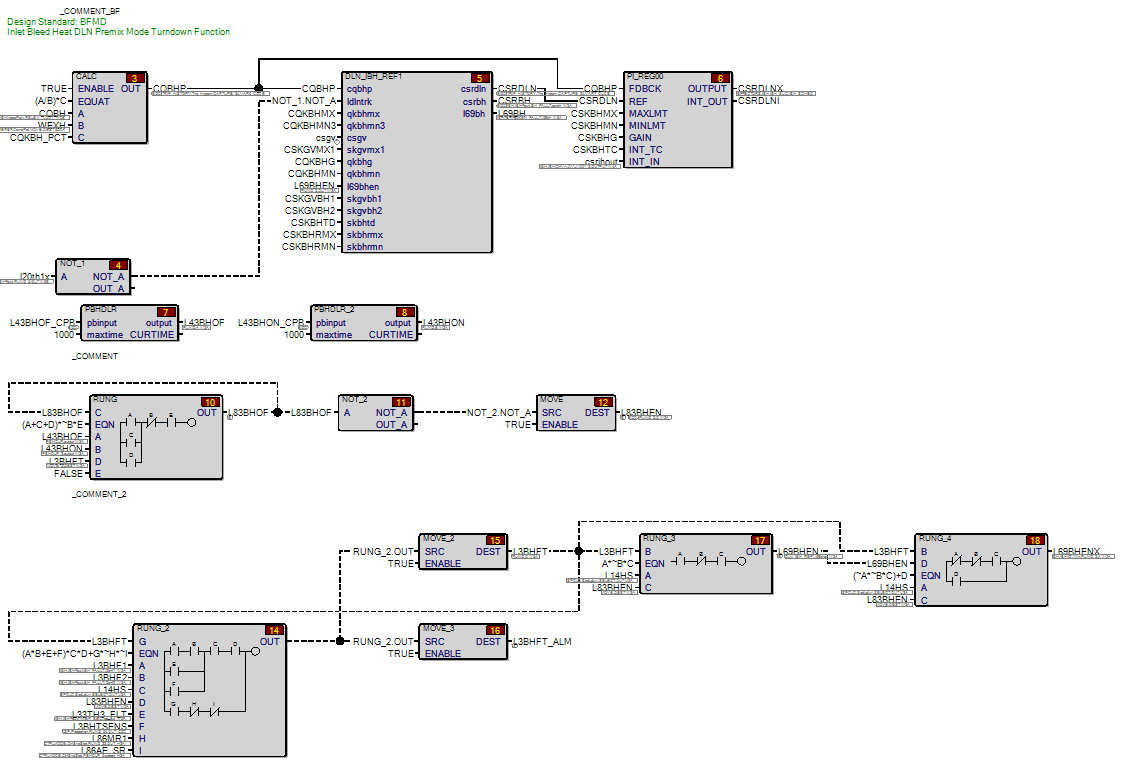
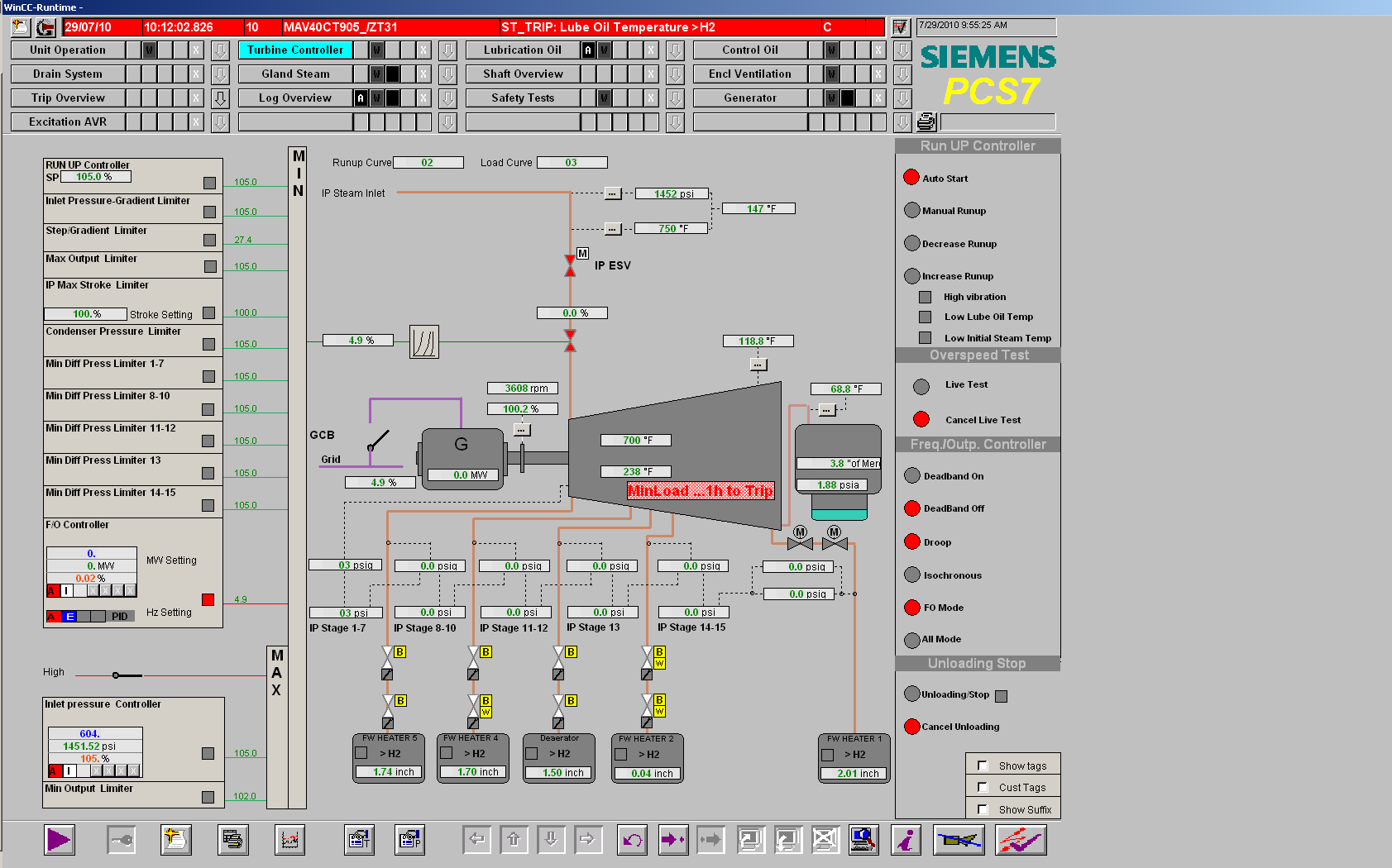
The same WinCC HMI as on Actual Plant is supplied by Siemens, as well as the Step 7 Engineering Station, which can be used to monitor controls running in the Siemens supplied PLCSim DCS Emulator Application.
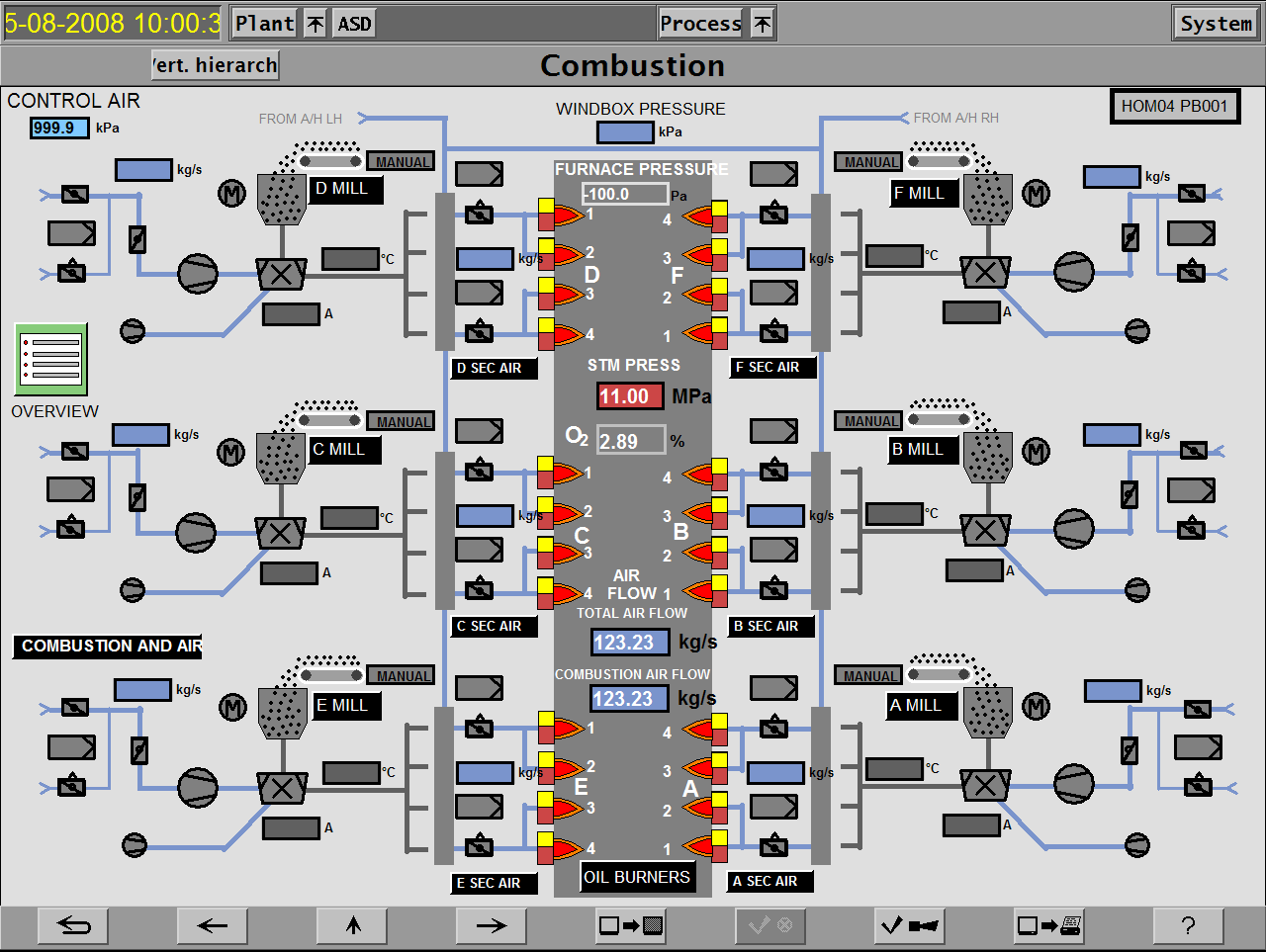
The HMI Emulator is supplied by EON UK, as well as the DCS Emulator Application, which was all developed in cooperation with Siemens.